Top 6 Multi-Language Website Checker Alternatives 2026

Multi-language website accuracy checks take too much time and miss context-specific errors. Many tools only support single languages or force technical setups, which leaves content teams chasing fixes through repetitive back-and-forth. This comparison covers on-page scanning, API integration, and workflow fit so teams can choose a practical checker that matches their language and reporting needs.
Table of Contents
Websitespellchecker
At a Glance
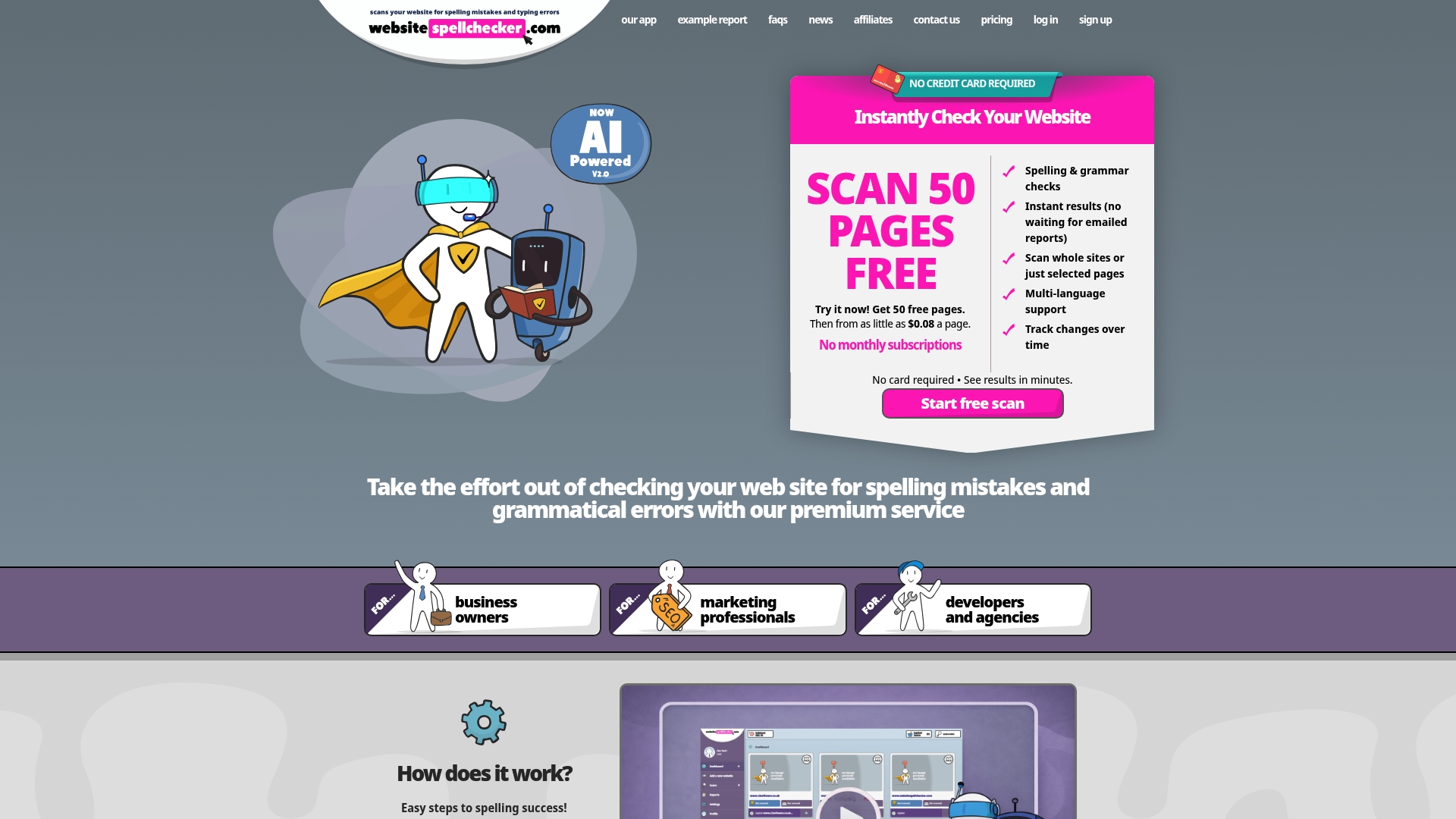
Website scans start instantly and you can test a site with a free trial of 50 pages. The tool highlights spelling and grammar issues across public pages and returns results in real time. That speed helps teams correct errors before pages go live and before mistakes chip away at customer trust or search engine visibility.
Core Features
Websitespellchecker runs AI-powered instant website scanning across whole domains or selected directories and pages, and it marks issues directly on page results. Reports include detailed explanations and correction suggestions so your content team can act without guessing. Account features include profile management, billing tracking, a basket for cost control, and sharing options for colleagues or clients.
Key Differentiator
The standout capability is instant, sitewide AI scans that present clear, actionable reports while you wait. That immediate feedback replaces slow manual checks and email-only reports. The model removes much of the back and forth between reviewers and developers by showing errors in context on specific pages.
Pros
Fast scans mean you spend less time hunting for mistakes and more time fixing them. Multi-language support and directory level scanning suit agencies and teams that manage many client sites. The pay-as-you-scan billing model gives cost control through a basket system and avoids monthly subscription commitments.
Cons
- Limited to publicly accessible pages, so private or password protected sites cannot be scanned.
Who It’s For
This service fits teams that manage multiple websites and large content volumes including developers, marketers, and content managers. Agencies that run frequent checks across client estates will see the most immediate benefit. Content creators who need quick revisions without manual proofreading will also find it practical.
Unique Value Proposition
A usage based model combined with instant, on page AI results changes how teams plan quality checks. Instead of booking full audits or juggling free tools, you buy scans as needed and share concise reports. That workflow reduces waiting and hands clients or colleagues a single link to the exact issue and suggestion.
Real World Use Case
An agency scans dozens of client sites weekly using directory level scans to find untranslated strings and typos. The team adds required pages to the basket, runs the scans, then shares annotated reports with editors and developers. Fixes go live faster and the agency avoids recurring subscription fees.
Pricing
Pricing runs from as little as $0.08 per page and the service uses a pay per scan model. New users can try a free trial of 50 pages to judge fit before purchasing credits. Billing is tracked per account so teams can review spend and allocate scans to clients.
Website: https://websitespellchecker.com
lexiQA
At a Glance
lexiQA reports support for approximately 200 locales, offered through an API that checks language quality at the locale level. The tool runs live checks while translators type and flags terminology and semantic issues in context. This approach emphasises fast, inline QA for localisation teams working at scale.
Core Features
The platform delivers API-based, locale-specific QA checks that can run inside CAT tools or custom workflows. It offers Live QA as you type to catch issues during translation and a Terminology assistant backed by AI to enforce preferred terms. Customisable quality rules and machine learning powered semantic checks allow you to tune rules for style guides and context.
Key Differentiator
What sets lexiQA apart is the API-first design that focuses on locale granularity and immediate feedback. The system lets developers embed checks directly into translation editors and CI pipelines so checks run as part of the workflow. That design reduces manual handoffs and keeps localisation teams working in a single interface.
Pros
lexiQA provides tooling tailored to translation and localisation workflows, which makes it useful for teams that need consistent checks across many languages. Its API and automation features match continuous integration approaches used by enterprise localisation teams. The vendor cites companies such as Oxford Languages and Straker Translations as customers, which suggests real-world adoption among established language services.
Cons
- Polarised third-party reviews point to inconsistent experiences with support and billing practices. Users report mixed satisfaction which can confuse new buyers.
- Some user feedback mentions alleged service scams and unclear refund handling, raising caution for procurement teams.
- The product relies heavily on API integration, which requires developer time and technical expertise to set up.
When It May Not Fit
If you lack developer resources to implement API hooks, lexiQA will add operational overhead. Small teams that prefer a purely graphical interface may find the integration model heavier than they need. Buyers sensitive to support transparency or billing clarity should investigate third-party reviews before committing.
Notable Integrations
- MateCat
- Transifex
- Phrase
- Crowdin
- Lokalise
- XTM
- Kato
Who It’s For
The tool suits translation companies, localisation managers, and enterprise content teams that handle multilingual documentation at scale. It fits teams that embed QA into automated translation workflows and who can allocate developer time for integration. The product suits organisations that need fine-grained, locale-aware checks rather than a simple spellchecker.
Real World Use Case
A multinational company adds lexiQA to its translation pipeline so translators see terminology and style violations while they work. Post-editors run the same checks again to verify compliance before publication. The result keeps product documentation consistent across markets and reduces manual quality checks.
Pricing
Pricing is quote based and oriented to enterprise needs, with plans varying by volume and feature set. The vendor directs prospective customers to request a customised quote on the website.
Website: https://lexiqa.net
ContentQuo
At a Glance
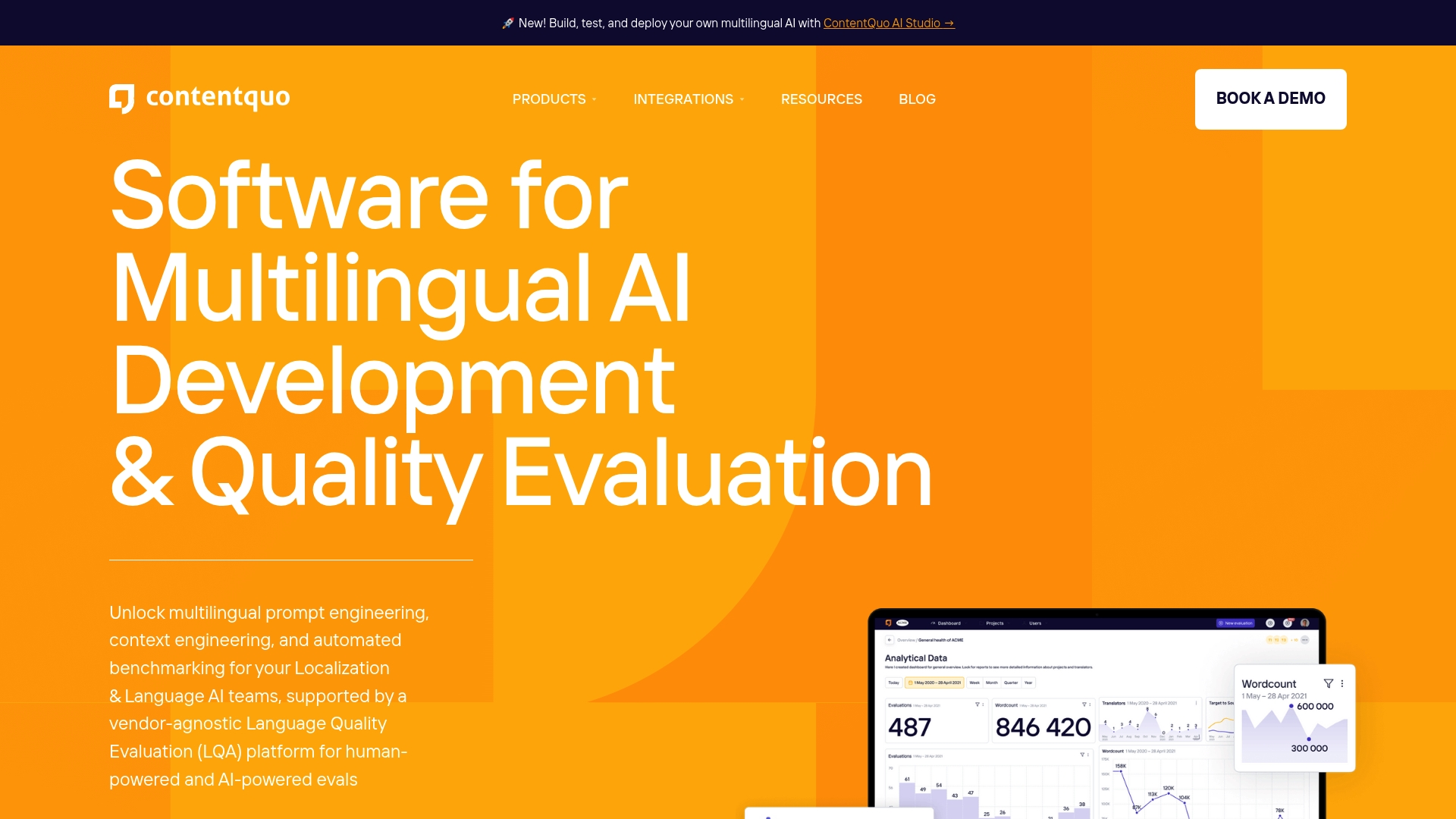
Two main products drive ContentQuo: ContentQuo Analyze for visual reporting and ContentQuo AI Studio for building no code multilingual AI pipelines. The offering groups linguistic quality KPIs, pipeline automation, and AI benchmarking in a single suite. It supports cloud, private cloud, and on premise deployment options.
Core Features
ContentQuo delivers visual analytics for linguistic quality KPIs and a configurable evaluation engine that supports error typologies, rating scales, and user roles. The platform automates feedback loops and benchmarking across AI models and prompts, and it connects to translation management systems to pull and push content. It also provides an API for custom integration and separate tools for analysis and AI action workflows.
Key Differentiator
The product combines no code AI pipeline authoring with built in benchmarking and multilingual quality evaluation. That mix lets localisation teams build tests, compare model outputs, and automate recurring checks without heavy engineering. The tight TMS integrations aim to keep quality work inside existing localisation toolchains.
Pros
The vendor states GDPR compliance. Teams will find broad workflow customisation and evaluation templates useful because they can match internal error typologies and rating scales. Automated benchmarking and continuous monitoring reduce manual review effort and surface trends across vendors and languages. Integration support for leading TMS tools and an API helps fit ContentQuo into current localisation pipelines. The no code environment lowers the barrier for non technical staff to build evaluation and AI actions.
Cons
-
Third party user reviews and independent sentiment data are not currently documented, which limits external validation of the user experience.
-
The platform has a learning curve; initial training or onboarding is likely needed before teams realise full value.
-
Several integrations are noted as upcoming, which may limit immediate use in some toolchains.
When It May Not Fit
If you need a lightweight spelling checker or single page scans, ContentQuo is likely overkill. Small teams without a formal localisation process may find the automation and reporting features more than they need. Organisations that require every integration immediately available should check the vendor road map before committing.
Notable Integrations
- Lokalise
- Wordbee
- memoQ
- XTM Cloud
- Smartling
- Phrase TMS
- MS Excel
- File Share,
Who It’s For
The product suits localisation teams, language service providers, and AI developers who manage multilingual content and want systematic quality assessment. It fits teams that work with multiple vendors or models and need data driven reports on performance over time. It also fits organisations that prefer to keep quality workflows inside existing TMS platforms.
Real World Use Case
A multinational benchmarked several translation models using ContentQuo, then automated ongoing quality assessments across languages. The team used the results to route problematic segments back to vendors and to adjust prompt templates for AI generation. That process reduced repetitive manual checks and surfaced consistent vendor issues.
Pricing
Pricing is not publicly disclosed. Contact sales for details and deployment options, including cloud, private cloud, or on premise hosting.
Website: https://contentquo.com
DubBot
At a Glance
DubBot’s marketing materials state a 4.9 G2 rating. The platform pairs automated accessibility scans with human support to help sites meet WCAG standards. It also tracks PDFs, images, links, SEO signals, and uptime so teams can keep web content accessible and consistent.
Core Features
DubBot runs site wide accessibility scans and flags WCAG barriers while offering guided remediation workflows. It inventories PDFs and images, checks broken links and uptime, and runs spelling and readability checks to protect quality. The platform also includes governance rules and task management that tie into developer workflows for follow up.
Key Differentiator
DubBot emphasises conformance with WCAG 2.1 and 2.2 and pairs automated checks with certified human support for remediation and reporting. That combination helps teams translate scanner findings into concrete fixes and accessible content. The human layer is the main asset that separates it from pure automation tools.
Pros
The interface is easy to pick up and reduces the time teams spend chasing issues. Support is responsive and knowledgeable, and the vendor highlights rapid expert assistance for complex accessibility questions. The product bundles accessibility, governance, SEO, and uptime checks into a single workflow so audits and fixes stay coordinated.
Cons
-
Lacks specialised behaviour mapping services that some user research teams need.
-
Advanced educational features are not comprehensive, which may leave training gaps for larger programmes.
-
Integration options focus on popular developer tools, which may feel limited for bespoke stacks.
-
The breadth of features can appear overwhelming for very small or non technical teams.
When It May Not Fit
Small teams with no technical support or limited budget may find DubBot too feature rich for their needs. Organisations that require behaviour mapping or deep user research tools will need a separate solution. Teams that need wide third party connectivity outside common developer platforms may find the integrations restrictive.
Notable Integrations
DubBot connects directly to common developer issue trackers and CI workflows via GitHub, GitLab, and Jira. Those integrations let teams convert findings into tracked remediation tasks. The links help developers reproduce and close accessibility items inside existing pipelines.
Who It’s For
Accessibility and quality management teams inside organisations committed to inclusive web experiences will gain most value. Webmasters and content managers who must meet WCAG standards will find the audit and remediation features useful. Digital agencies managing accessibility across multiple client sites will benefit from the governance and reporting tools.
Real World Use Case
A university digital team runs scheduled DubBot audits to keep course pages and policy documents accessible. The team uses PDF monitoring to locate inaccessible documents and then assigns fixes to developers via Jira. Rapid expert assistance helps the team resolve tricky cases before each academic year starts.
Pricing
Pricing is not published and is listed as informational only in vendor materials. Procurement teams must contact DubBot for a quote or a demo to review licensing and support options. That approach is common for accessibility platforms that scale by site count or support level.
Website: https://dubbot.com
ProWritingAid
At a Glance
ProWritingAid offers 28 reports that check grammar, style, readability, and overused words across a manuscript. It also includes dedicated character and plot analysis tools for authors who want structural feedback alongside copy editing. These combined capabilities make it more than a basic grammar checker for long form writing.
Core Features
The tool runs real time suggestions while you write and produces detailed reports covering grammar, style, readability, pacing, and repetition. It integrates with major writing environments and browsers so you can edit in Microsoft Word, Google Docs, Scrivener, or inside Chrome and Firefox. The suite also provides specialised story tools that inspect character arcs and plot structure while the reporting catches mechanical and stylistic issues.
Key Differentiator
ProWritingAid pairs standard grammar and spelling checks with dedicated storytelling analysis, which is rare in editing software. The storytelling tools analyse character consistency and plot beats while the reports surface repeated phrasing and pacing problems. That combination makes the product more suited to novelists and long form authors than general proofreading utilities.
Pros
The product offers strong grammar and spelling checks plus a large set of diagnostic reports that go beyond simple error spotting. Integration with Microsoft Word, Google Docs, Scrivener, and browser extensions lets you keep the editor where you already work, and the story focused tools help shape character arcs and plot structure in the same workflow. Security measures are in place to keep your drafts private and to protect uploaded manuscripts.
Cons
- Occasional glitches and crashes when handling very large documents. This affects editing sessions with very long manuscripts.
- Rephrasing tools can produce inconsistent suggestions. You will need to review each suggestion rather than accept automatically.
- Refund policy limitations for subscription cancellations. Some users report restrictions when they request refunds.
- Stylistic suggestions sometimes read as generic or miss contextual nuance. Not every recommendation suits creative tone.
When It May Not Fit
If you work with extremely large files on a tight deadline the performance issues may slow your workflow. Teams that need precise rewording automation will find the rephrasing suggestions uneven. Buyers expecting a strict corporate style enforcer may find some stylistic advice too literary or generic for business documentation.
Notable Integrations
- Microsoft Word
- Google Docs
- Scrivener
- Chrome Extension, Firefox Extension, Edge Extension
- Apple Notes
- Discord
Who It’s For
Writers and authors who draft novels, short fiction, or long form non fiction will get the most from the storytelling features. Content creators who also need grammar and style checks across multiple platforms will appreciate the integrations. Educators and students working on manuscripts or polished essays can use the reporting to develop stronger structure and clarity.
Real World Use Case
A novelist runs the plot analysis report to spot uneven pacing across three acts and then uses character analysis to check arc consistency. The same manuscript then goes through grammar and readability reports to remove repetition and tighten sentences. This combined process reduces revision cycles before sending a draft to beta readers or agents.
Pricing
Pricing ranges from a free plan with basic suggestions to paid options that include a one time lifetime licence and subscription plans. The data lists a lifetime licence at $399 and subscription tiers shown as $3,000 per month for Premium and $3,600 per month for Premium Pro, billed monthly, with discounts for annual billing.
Website: https://prowritingaid.com
Trinka AI
At a Glance
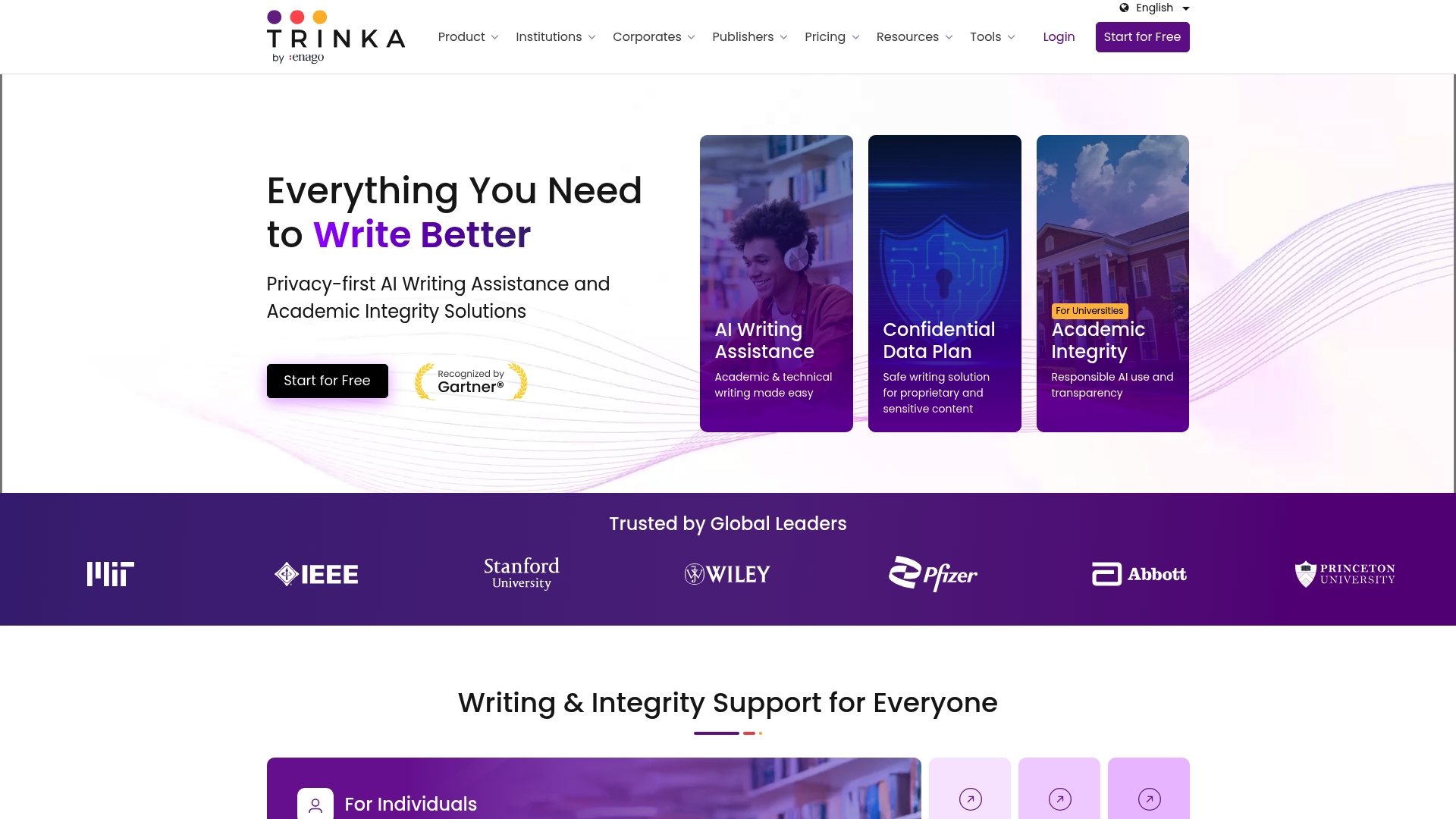
Trinka offers on-premise deployment and enterprise options that let organisations keep full control of their text data. It bundles proofreading for Word and LaTeX with tools for citation management and plagiarism checking. The product targets academic and technical writers who need privacy and publication-ready output.
Core Features
Trinka performs grammar and language checks with a focus on academic conventions, and it proofreads files from Word and LaTeX. The assistant includes a paraphraser and an AI-assisted “Ask” tool for rephrasing or drafting technical passages. It also runs consistency checks and supports translations alongside citation and plagiarism tools.
Key Differentiator
The product’s main distinction is its privacy-first model combined with enterprise deployment options and data control. That setup appeals where institutional data handling rules matter, such as research offices and publishers. It pairs those controls with features tailored to scholarly and technical formats.
Pros
Trinka catches complex academic and technical errors well, which helps tighten manuscripts and grant drafts. Its MS Word plugin and browser extensions integrate into existing writing workflows, reducing copy and paste. The enterprise options emphasise data privacy, and the platform supports citation checks and plagiarism screening useful for publishers and institutions.
Cons
- The user interface can feel cluttered, with many colours and options that slow new users.
- Performance can degrade on very large documents, which impacts long thesis or book files.
- Some users report high local resource use during heavy checks, which may affect older machines.
- Billing and refund rules are strict, and may not suit teams that need flexible plans.
When It May Not Fit
If you work on low-spec hardware, Trinka’s local resource demands may cause slowdowns. If you need light, minimal proofreading for short web copy, the feature set may be more than you want. Teams that prefer a simpler interface or looser billing may find it a poor match.
Notable Integrations
- MS Word
- Browser extensions
- API / SDK
- On-premise deployment
Who It’s For
Academics, researchers, postgraduate students, and technical writers who prioritise language precision and strict data control. Institutional editorial teams and publishers that need citation checks and plagiarism tools will find the feature mix relevant. Organisations with compliance needs benefit from the on-premise and enterprise options.
Real World Use Case
A university runs Trinka for thesis proofreading to reduce submission revisions and standardise language across departments. The platform checks LaTeX files and flags inconsistent terminology before examiners review work. Automating citation checks and plagiarism scanning saves admin time for supervisors.
Pricing
A free basic tier is available for lightweight use. Paid plans start from ₹626.67/month for Premium and reach $41.67/month for Confidential Data tiers. Enterprise and custom plans are on request and billed per contract.
Website: https://trinka.ai
Comparison of alternatives
Effectively evaluating tools for website content quality assurance involves discerning capabilities like Websitespellchecker’s instant and detailed scan results from broader applications offered by similar products. Here is a detailed comparison of the featured products to aid informed decision-making.
Locale-specific quality assurance
LexiQA stands out with its locale-specific quality assurance facilitated through an API-first approach, enabling integration with CAT tools and CI pipelines. This feature is particularly valuable for localisation managers and enterprise content teams that manage multilingual documentation and benefit from automated procedures. While Websitespellchecker excels in broad domain scanning and immediate error annotation, it does not specifically cater to the granular language considerations supported by LexiQA.
Error identification and immediate action
Websitespellchecker offers fast and thorough scans that uncover errors spanning entire websites in real-time. This capability is essential for teams that need to identify and address issues promptly to maintain the highest quality user experiences. Products like ContentQuo and DubBot provide advanced automation and customisation features with integrations designed for content and QA workflows, though their broader approach may delay immediate error reporting compared to the precise, page-specific context readily provided by Websitespellchecker.
Best fit
- Teams managing multiple client websites and needing rapid, detailed feedback to maintain high content standards across platforms should use Websitespellchecker for its real-time, annotated reporting.
- Localisation teams specialising in multilingual projects at a granular locale level will appreciate LexiQA for their API support and integration options.
- Organisations leveraging diverse translation models or handling vast multilingual datasets would benefit from ContentQuo’s no-code workflows for managing AI benchmarking and linguistic assessments.
Our pick
Websitespellchecker delivers real-time, domain-wide scanning and reporting capabilities, drastically reducing the time from error detection to implementation of fixes. When prioritising immediate annotations and efficient web page quality control, Websitespellchecker provides an service to teams managing significant online content within established workflows.
Which platform provides the most detailed and actionable content quality analysis?
| Product | Key Differentiator | Best For | Pricing | Notable Limitation |
|---|---|---|---|---|
| Websitespellchecker | Instant, sitewide AI scans with real-time results | Teams managing multiple websites | $0.08/page Pay-per-scan | Limited to public pages |
| lexiQA | Locale-specific QA via API integration | Localisation teams | Price not published | Requires developer setup for optimal use |
| ContentQuo | No code multilingual AI pipelines | Language service providers | Price not published | Documented third-party user reviews not available |
| DubBot | WCAG compliance paired with human support | Digital agencies managing accessibility | Price not published | Breadth of features may overwhelm very small teams |
| ProWritingAid | Storytelling analysis for long-form writing | Novelists and long-form authors | $399 Lifetime or subscription | Performance issues with large documents |
| Trinka AI | On-premise academic proofreading with privacy | Academic and research institutions | From ₹626.67/month | High resource demand may slow performance on older machines |
How Can You Manage Multi-Language Website Quality Effectively?
The challenge of maintaining error-free content across multiple languages is clear. Teams such as developers, marketers, and content managers need tools that scan entire websites quickly while highlighting spelling and grammar issues directly on the pages. Multi-language website checker alternatives often lack instant, sitewide feedback or flexible billing options.
Websitespellchecker offers a practical solution by using AI to scan whole websites instantly. It provides clear, live reports that help teams spot and fix errors before content goes live, preventing mistakes that could damage trust or search rankings. With a pay-as-you-go model and free trials up to 50 pages, it suits agencies and businesses managing several client sites without subscription commitments.

See how Websitespellchecker can enhance your team’s workflow today. Visit Websitespellchecker and try the free trial to check your website’s content across multiple languages with instant results.
FAQ
What is the key feature of Websitespellchecker?
Websitespellchecker provides AI-powered instant website scanning that highlights spelling and grammar issues in real time. This feature allows teams to identify and correct errors quickly before publishing content, enhancing customer trust and search engine visibility.
How does Websitespellchecker compare to ProWritingAid?
ProWritingAid excels at offering detailed reports on grammar, style, and readability, making it ideal for long-form writers. Websitespellchecker is better suited for teams needing rapid site-wide checks across multiple pages, allowing for swift corrections without comprehensive long-form analyses.
What benefits does Websitespellchecker provide for content teams?
Websitespellchecker generates actionable reports that include error explanations and correction suggestions, saving time for content teams. This immediate feedback helps avoid manual checks and assists teams in producing error-free content more efficiently.
Can Websitespellchecker help with managing multiple client sites?
Websitespellchecker is well-suited for agencies managing numerous client sites, as it supports directory-level scanning and multi-language checks. This allows teams to efficiently maintain content quality across various websites without investing in heavy manual proofreading processes.
What pricing structure does Websitespellchecker offer?
Websitespellchecker operates on a pay-as-you-scan model, with pricing starting at $0.08 per page. This flexible billing approach means that teams can control costs by purchasing only the scans they need, without committing to a monthly subscription.