Top 3 Siteimprove Alternatives 2026
Automatic website spell checking often misses style consistency and charges users with inflexible subscription plans. Most tools lock teams into monthly licences or skip custom brand voice adjustments, which leaves smaller agencies and freelancers overpaying or reworking fixes manually. This comparison lets business owners, marketing teams, web developers, and agencies match website spell checking tools against cost models and brand tone support for practical use.
Table of Contents
WebsiteSpellChecker
At a Glance
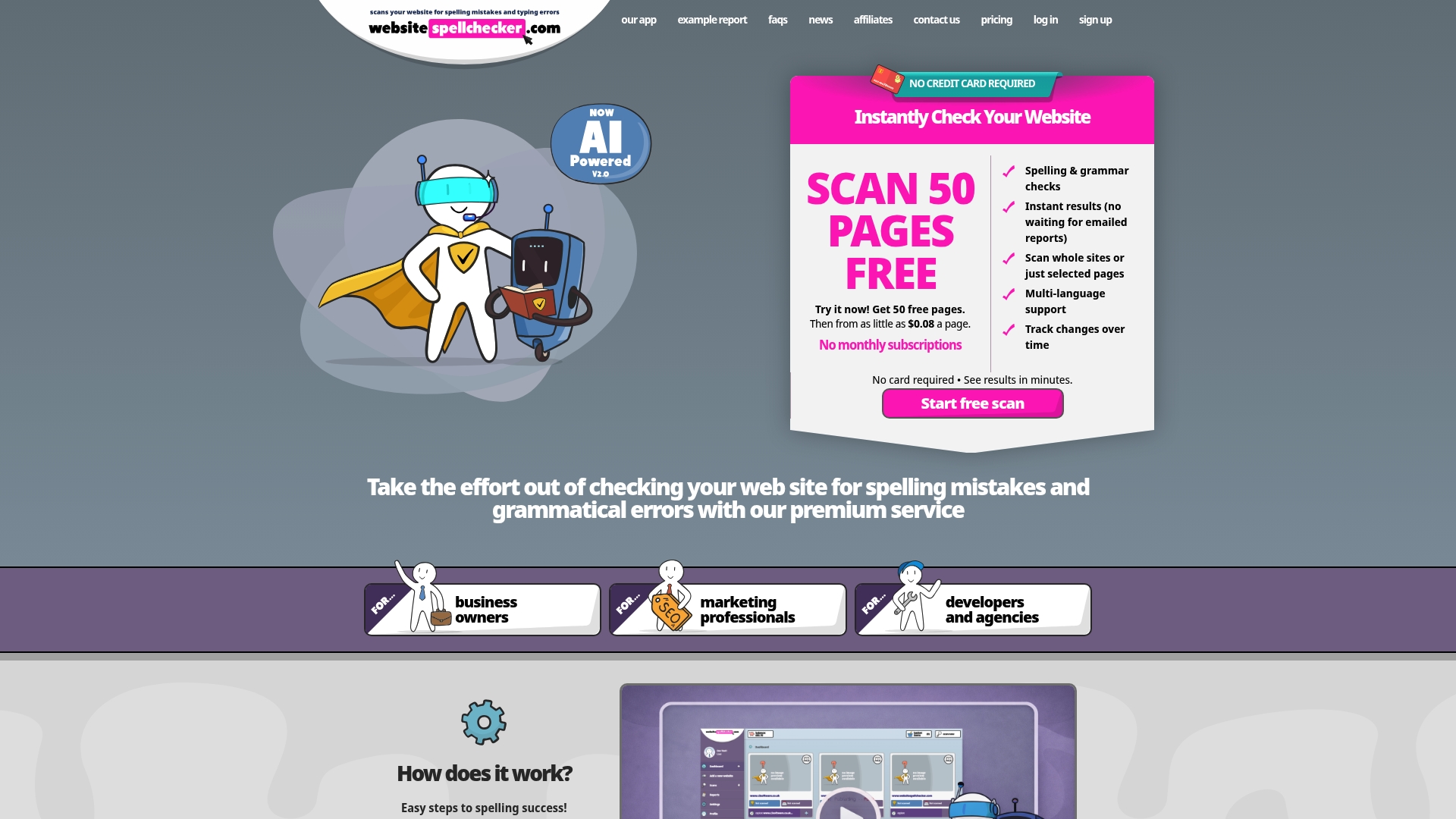
Fifty free pages for new users and pay-per-page billing with no subscription commitment. The scanner returns instant reports with correction suggestions for whole sites or chosen pages. It also tracks changes over time so teams can see whether copy quality has improved.
Core Features
Automated spelling and grammar checks run across entire websites or on selected pages, returning instant results and correction suggestions. An AI engine flags likely mistakes and proposes fixes, while multi-language support handles content in several tongues. The service records changes over time and charges per page rather than via a monthly licence.
Key Differentiator
The defining feature is pay-per-page checks with no subscription commitment combined with multi-language support. That model suits one-off proofs and short campaigns where a monthly licence would add recurring cost. It also fits agencies that manage discrete client jobs rather than continuous platform access.
Pros
Scans are quick and straightforward, producing reports teams can act on without installing software. The pay-per-page model and the trial allowance reduce upfront cost for small sites. Multi-language coverage and change tracking make it practical for agencies managing client websites across markets.
Cons
- Limited to publicly accessible pages. It cannot scan private or password-protected areas.
Who It’s For
Business owners, marketing teams, web developers, and agencies that need a fast proofreading step before launch or during routine updates. Teams with tight budgets who prefer paying per page rather than committing to monthly licences will find the pricing model attractive. Editors handling multilingual sites will value the language support and change history.
Unique Value Proposition
Fifty free pages for new users reduces upfront risk for small sites preparing to go live. Paying only for the pages you check makes short campaigns and single-site launches cheaper than a monthly subscription. Change tracking gives agencies a simple way to demonstrate corrections to clients without extra reporting tools.
Real World Use Case
A small business scans their entire website before launching a marketing campaign. They fix typos and grammatical mistakes to strengthen their professional image and improve search engine rankings.
Website: https://websitespellchecker.com
DubBot
At a Glance
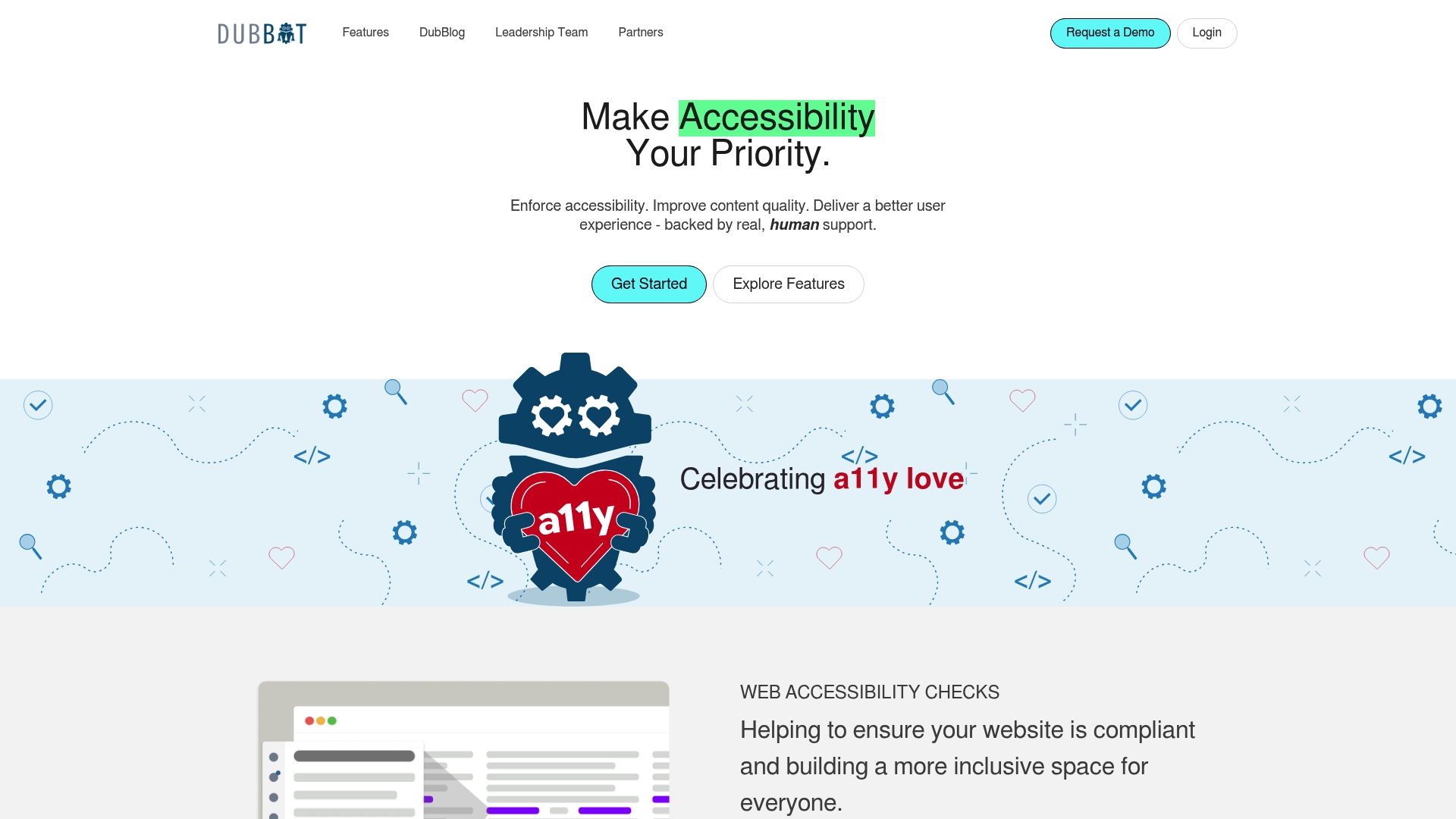
DubBot reports a G2 rating 4.9. The platform combines automated scans with human review to look for accessibility faults across pages and PDFs. It also tracks uptime, broken links, image inventory, SEO factors, and web governance policies in one view.
Core Features
DubBot runs accessibility checks mapped to WCAG 2.1 and 2.2, and flags issues for remediation and prioritisation. The tool monitors PDF accessibility and inventories images while checking broken links, uptime, SEO, spelling and readability to help you keep content quality consistent. It also offers task management so teams can assign and track fixes alongside governance policy enforcement.
Key Differentiator
DubBot pairs automated scans with human verification to reduce missed context in complex accessibility cases. That combination, together with the vendor reported user rating above, positions it as a choice for teams that want both machine speed and a human second opinion.
Pros
Support is a clear strength. Users report a responsive support team and an interface that makes reports readable rather than overwhelming. Integrations with common developer and issue tracking systems reduce handoff friction by letting teams create tickets from findings. The feature set covers accessibility, content quality checks, uptime monitoring, and basic SEO checks so your web and compliance teams can work from one source of truth.
Cons
-
Pricing information is not publicly available, which complicates budgeting for procurement teams.
-
Accessibility scans can produce false positives, so you will need manual triage for some findings.
-
The vendor does not publish detailed notes on enterprise customisation, which may matter for large organisations with bespoke workflows.
When It May Not Fit
If you need transparent, line item pricing to compare vendors quickly, this product may slow procurement. Teams that require near zero false positives for legal audits will spend extra time verifying results. Organisations that demand published enterprise customisation options may find the public documentation limited and should check contract terms before committing.
Notable Integrations
-
GitHub
-
GitLab
-
Jira
These connections let developers receive issues in their normal workflows and help close accessibility tickets without copying reports across systems.
Who It’s For
Web teams, compliance officers, and digital agencies that manage multiple sites and must keep accessibility and content quality under regular review will benefit most. Teams that want both automated coverage and human validation will see the strongest fit. If your group relies on GitHub, GitLab, or Jira for fixes, integration will be straightforward.
Real World Use Case
A university used DubBot to scan thousands of course pages and PDFs, prioritise remediation work, and assign tasks into the existing issue tracker. That workflow helped staff correct flagged accessibility barriers while preserving editorial control over content.
Pricing
Pricing is not specified publicly. The vendor describes licensing as subscription based or custom, so expect to discuss volume, sites, and support level when you contact sales. Ask for a breakdown of recurring fees and onboarding costs before you sign.
Website: https://dubbot.com
Jakka.ai
At a Glance
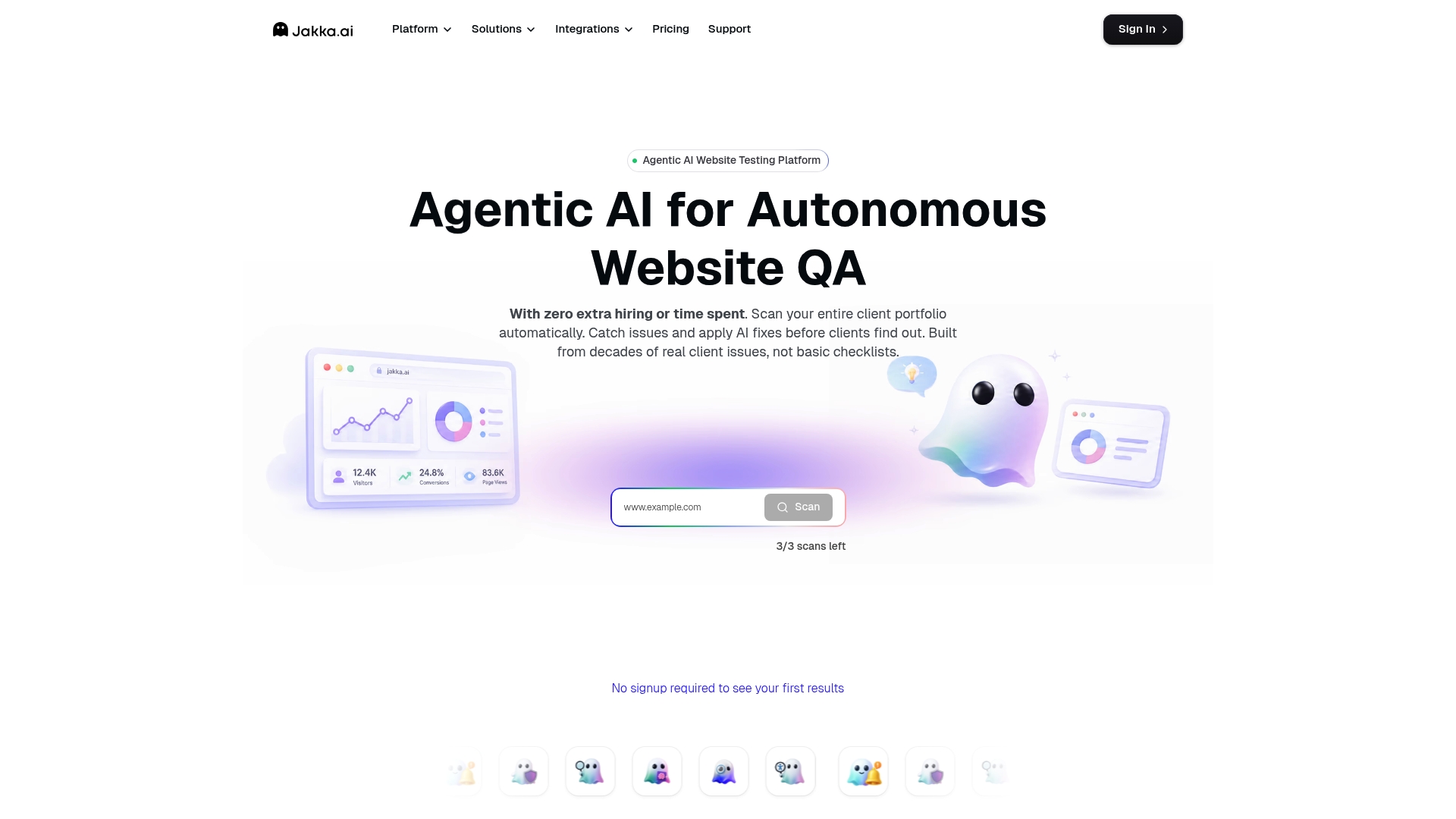
AI recommendations are tailored to client brand voice and style so fixes match tone and wording. The platform runs automated crawling and testing across SEO, accessibility, performance, security, and UX. It supports scheduled scans, continuous monitoring, and sends real-time alerts. White-label reports let agencies present findings under their own branding.
Core Features
Automated crawling discovers pages and runs tests for SEO, accessibility, performance, security, and UX while collecting analytics over time. The AI offers recommendations and suggested fixes that are adjusted to brand tone, reducing manual rewriting. Scheduled and continuous audits trigger real-time alerts, and detailed dashboards track progress and site health. The platform also produces white-label client reports for delivery and branding.
Key Differentiator
The standout feature is the focus on recommendations that respect client tone. That approach reduces rework for content teams and helps agencies deliver branded fixes straight away. This emphasis on brand-aware AI sets Jakka.ai apart from tools that output generic suggestions.
Pros
Jakka.ai combines multiple quality assessments into a single workflow, so you do not switch between separate SEO, accessibility, and performance tools. Its brand-aware AI recommendations cut down manual editing for copy and content updates, which speeds client sign-off. The platform supports multi-client teams with white-label reporting and offers flexible plans that range from freelancer to enterprise needs, plus detailed analytics for tracking improvements.
Cons
-
Limited independent detail on how accurate or effective the AI fixes are, as user reviews give few specifics.
-
Costs may rise for very large site portfolios because pricing scales with page volume and AI task usage.
-
Teams with established workflows may face a learning curve when integrating Jakka.ai into CI/CD or agency processes.
When It May Not Fit
If you need proof points from peer reviews about AI fix accuracy, Jakka.ai may not satisfy that need because public user detail is sparse. If you manage extremely large site volumes, the tiered pricing model could become expensive. If your stack depends on many third party integrations, note that no integrations are listed publicly, which may require extra work to connect workflows.
Who It’s For
Digital agencies that handle many client sites and want branded reporting will get the most benefit. Freelance developers who want scheduled audits and AI-suggested copy edits will find the lower tiers useful. Larger web teams and enterprise web managers can use the platform to centralise QA across SEO, accessibility, performance, security, and UX.
Real World Use Case
An agency with fifty client websites runs scheduled audits each week and uses Jakka.ai to surface accessibility and SEO issues. The team applies the AI suggestions that already match client tone, then ships fixes faster to production. Branded reports go to clients, reducing time spent preparing bespoke documents and improving transparency.
Pricing
Plans start with a free tier that includes limited features and scale. Paid tiers run as Starter, Pro, Agency, and Enterprise and scale by page volume, AI task usage, and feature set. Monthly billing options are available.
Website: https://jakka.ai
Comparison of alternatives
When evaluating alternatives to Siteimprove, three options stand out due to their unique features and benefits: WebsiteSpellChecker, DubBot, and Jakka.ai. Each tool caters to different needs within the realm of website quality and management by focusing on distinct priorities.
Cost structures and flexibility
Among the options, WebsiteSpellChecker employs an pay-per-page pricing model that stands out for users seeking flexibility and cost-effective solutions, particularly for smaller projects or ad-hoc tasks. In contrast, Jakka.ai offers tiered pricing based on features and usage, which could potentially become less economical for entities managing large volumes of content over the long term. DubBot’s lack of publicly disclosed pricing can be seen as a deterrent for transparency.
Advanced features and integration
Each tool offers unique advanced features. DubBot’s key advantage lies in its extended functionality, including compliance trackers, task management, and the collaboration-oriented integrations with popular developer tools. These characteristics make it an appealing option for teams prioritising accessibility and policy governance. Meanwhile, Jakka.ai distinguishes itself with its brand-aware AI recommendations for content tone alignment, an advantageous feature for agencies seeking to maintain consistency across client materials. However, its limitation in listed integrations could pose challenges for highly customised workflows, unlike DubBot which offers coordination with tools like GitHub and Jira.
Best fit
- Teams with limited budgets seeking an intuitive and subscription-free proofing tool for one-off or limited-duration campaigns will find WebsiteSpellChecker suits their requirements.
- Accessible compliance officers and digital agencies desiring in-depth automated and human-backed accessibility assessments will appreciate the features of DubBot.
- Brands and agencies needing sophisticated AI-driven content recommendations tailored to client-specific needs in a consolidated report prefer Jakka.ai.
Our pick
WebsiteSpellChecker achieves a singular balance of affordability and functionality with its pay-per-page model alongside multi-language scanning and change tracking. Teams with irregular or small-scale proofreading needs can benefit greatly from these distinctive features. However, organisations seeking advanced accessibility management or white-label branding for client reports may find products like DubBot or Jakka.ai align more closely with their specific requirements.
Selecting the most suitable website spell-checking tool depends on pricing model flexibility, language support, and other unique features highlighted below.
**| Product | Key Differentiator | Best For | Pricing | Notable Limitation | |-----------------------|-------------------------------|-----------------------------------------|-----------------------|---------------------------------------------| | Websitespellchecker | Pay-per-page model | Small sites on a strict budget | £ per page | Limited to publicly accessible pages | | DubBot | Combined auto-human review | Web teams focused on accessibility | Price not published | Requires manual triage for false positives | | Jakka.ai | Brand tone-aware AI fixes | Digital agencies with client websites | Free tier + paid plans | Limited details on AI fix accuracy |
Facing Challenges with Siteimprove Alternatives for Website Quality
Choosing the right siteimprove alternatives can feel demanding when your team needs precise, efficient spelling and grammar checks across entire websites. Websitespellchecker offers an automated AI scanning tool that instantly identifies errors and tracks corrections over time. This service fits business owners, marketing teams, web developers, and agencies who want to maintain professionalism and trust without committing to monthly licences.
With Websitespellchecker, you get a practical solution that suits single-site launches or short campaigns. Benefit from instant reports, multi-language support, and pay-per-page billing that cuts costs for your routine updates. See how Websitespellchecker makes your proofreading step straightforward and helps protect your brand image.

Check your entire website for spelling and grammar errors with Websitespellchecker. Visit their landing page now to start your fifty free page trial and secure client trust before launch.
FAQ
What features does Websitespellchecker offer for website spell checking?
Websitespellchecker provides automated spelling and grammar checks across entire websites or selected pages. Its AI engine flags likely mistakes and suggests fixes based on the scan results, ensuring fast and accurate proofreading. Consider using Websitespellchecker to enhance your site’s professionalism before launch or during updates.
How does DubBot compare to Websitespellchecker?
DubBot excels with its combination of automated scans and human verification, which ensures that complex accessibility issues are properly addressed. Websitespellchecker, on the other hand, focuses exclusively on spelling and grammar checks, making it a better choice for teams prioritising those specific needs without the need for continuous verification from human reviewers.
Can I track changes over time with Websitespellchecker?
Yes, Websitespellchecker tracks changes over time, allowing teams to monitor improvements in copy quality. This functionality helps ensure ongoing consistency and accuracy in website content, making it a practical tool for anyone looking to enhance their site perpetually.
What benefits does the pay-per-page model of Websitespellchecker provide?
The pay-per-page billing of Websitespellchecker reduces upfront costs for smaller sites and is ideal for one-off proofs or short campaigns. This approach allows businesses and agencies to maintain flexibility without committing to monthly subscription fees, making it an attractive option for varied project sizes.
Which platform supports multiple languages for spell checking?
Websitespellchecker supports multi-language checks, ensuring that content in different tongues is accurately reviewed for spelling and grammatical issues. Teams managing multilingual sites will appreciate this feature, allowing them to maintain quality across diverse audiences.