Top 4 Website Accessibility Checker Alternatives 2026

Finding a website spelling checker that flags errors instantly across all pages without expensive recurring fees or time-consuming manual uploads is harder than expected. Many existing tools limit scans to one page at a time, require manual uploads for large sites, or charge high monthly fees. This comparison covers scan speed, sharing features, and pricing across four alternatives so you can match one to your team’s workflow and budget before investing.
Table of Contents
- WebsiteSpellChecker
- BetaSweep
- iAccessible
- Siteimprove Accessibility Checker
- Comparison of alternatives
WebsiteSpellChecker
At a Glance
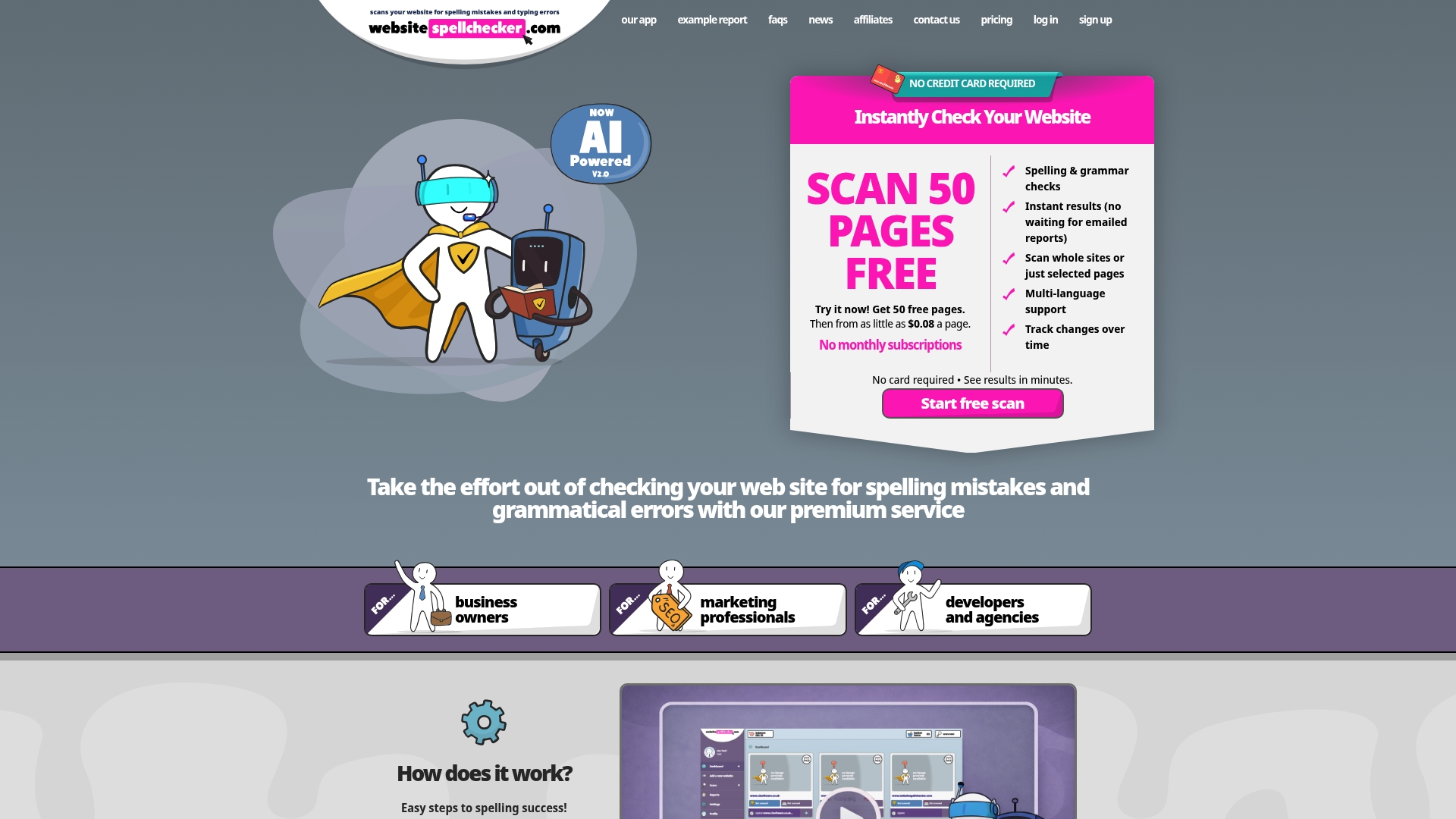
Starting price is $0.08 per page with free initial scans of 50 pages. That makes quick site audits inexpensive for agencies and small businesses. WebsiteSpellChecker uses AI to scan entire sites in one pass and shows results instantly while tracking changes over time.
Core Features
WebsiteSpellChecker runs AI-powered instant scans of whole websites or selected pages and highlights spelling and grammar errors on the page with screenshots. The tool supports multiple languages and produces shareable reports that teams and developers can use to assign fixes. It also records changes so you can monitor corrections and regressions over time.
Key Differentiator
The single feature that separates WebsiteSpellChecker is its combination of instant, sitewide scanning and visible on-page error highlighting. Results appear without manual uploads or waiting for emailed reports, and the screenshots point directly to the problematic text. That workflow reduces time to fix content mistakes on large sites.
Pros
Real-time results let you act on errors the same day you run a scan. Multi language support makes the tool usable for global sites rather than one-language checks. The dashboard is focused on sharing and collaboration so marketing teams and developers see the same evidence and can assign tasks. Pay per page pricing keeps audits affordable for ongoing monitoring of multiple sites. Tracking edits over time helps you measure whether fixes stick.
Cons
- Limited to publicly accessible pages; private or password-protected content requires additional setup or special access.
Who It’s For
WebsiteSpellChecker suits business owners, marketing teams, developers, and agencies that manage several sites or large sites and need fast proofreading. Use it when you publish often and must keep content professional for customers and search engines. It fits teams that prefer evidence they can share with developers rather than long manual reports.
Unique Value Proposition
Starting with a free 50 page scan and pricing from $0.08 per page makes regular audits affordable for retainer clients and in-house teams. That model lets you schedule recurring checks without high fixed fees. The economic model pairs with instant, page level screenshots so audits become a routine quality control step rather than an occasional project.
Real World Use Case
A digital marketing agency runs a weekly site sweep for each client, exports the shared report, and assigns fixes to developers with screenshots and exact text locations. The agency tracks the changes over time to confirm fixes and to show clients measurable quality control. This reduces post-launch proofreading and lowers the risk of embarrassing public errors.
Pricing
Pricing begins at $0.08 per page and includes free initial scans of 50 pages for trialing the service. The vendor lists both free and paid plans and provides more detailed plan options on the website.
Website: https://websitespellchecker.com
BetaSweep
At a Glance
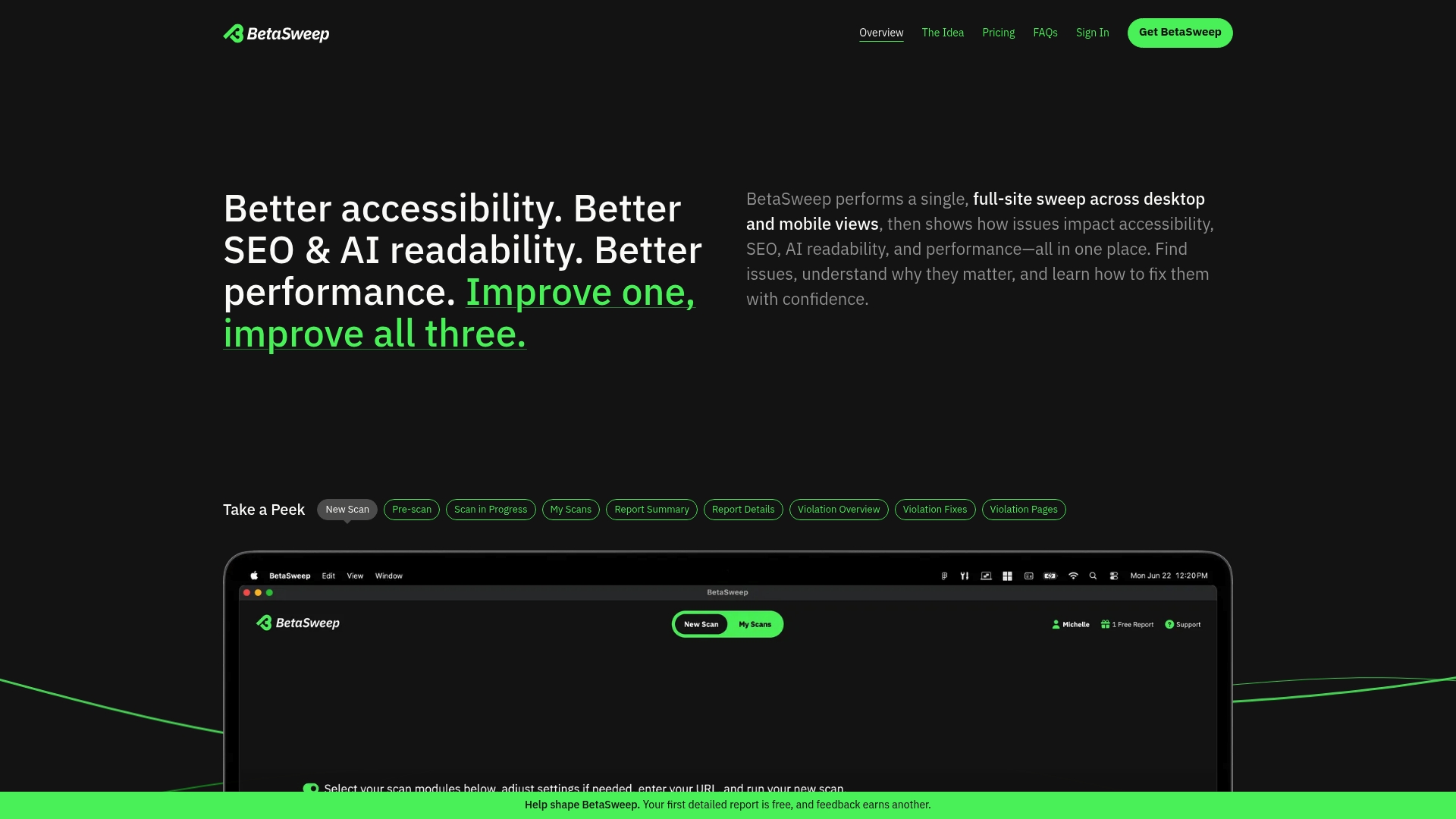
Runs locally on macOS and Windows and supports scans of up to 5,000 pages in a single pass. The app combines checks for accessibility, SEO and AI readability, performance, spelling and HTML validation into one local scan. You can run a free initial scan and buy detailed reports or subscribe for ongoing access.
Core Features
BetaSweep performs a single full site scan that captures desktop and mobile views and flags issues across accessibility, SEO and AI readability, performance, spelling and HTML standards. Reports use plain language and provide step by step guidance for fixes, while local processing keeps scans fast and private on your device. The tool also supports rescans and progress tracking so you can measure changes over time.
Key Differentiator
The standout feature is the unified full site analysis performed entirely on your machine. That local scan combines multiple quality checks in one run so you do not need separate tools for accessibility, SEO and performance. Local processing reduces external data transfer and keeps testing results private.
Pros
BetaSweep bundles multiple website health checks into a single, easy to use desktop app, which saves time compared with running separate tools. Local processing delivers faster scans and retains privacy because no data is sent to external servers during testing. Pricing is flexible with a free initial scan, one off reports and monthly plans, making it an affordable option for small teams. The interface aims to be friendly to non technical users while still offering enough detail for developers and auditors.
Cons
- Limited independent reviews. There are few third party reviews, which makes it harder to judge long term user satisfaction.
- No automated AI interpretation. Results are deterministic and rely on standard engines such as axe core and Lighthouse.
- Scan limit. The app supports sites up to 5,000 pages per scan, which may restrict very large sites.
- Name confusion. Some users may mistake the product for unrelated sweepstakes services with similar names.
When It May Not Fit
If your team needs hosted, continuous monitoring or shared cloud reporting, a local desktop scanner will not meet that workflow. The product does not offer automated AI interpretation of results, so buyers wanting machine summarisation should look elsewhere. Organisations seeking broad third party validation may prefer a tool with more public reviews.
Who It’s For
This product suits website owners and managers who want a straightforward, system wide site health check they can run on their own device. It fits developers and designers who want an easy to read report to hand to content teams. Small businesses that value privacy and occasional in depth audits will find the pricing model attractive.
Real World Use Case
A small e commerce owner runs a weekly scan before seasonal campaigns and quickly finds accessibility blockers and slow pages. The owner uses the plain language report to brief a developer and a content editor, then rescans to verify fixes. The local workflow removes the need to upload site data to a third party.
Pricing
Free initial scans are available, with detailed reports on a pay per report basis at $19. Monthly subscriptions start at $39 for a single site and $59 for multiple sites.
Website: https://betasweep.com
iAccessible
At a Glance
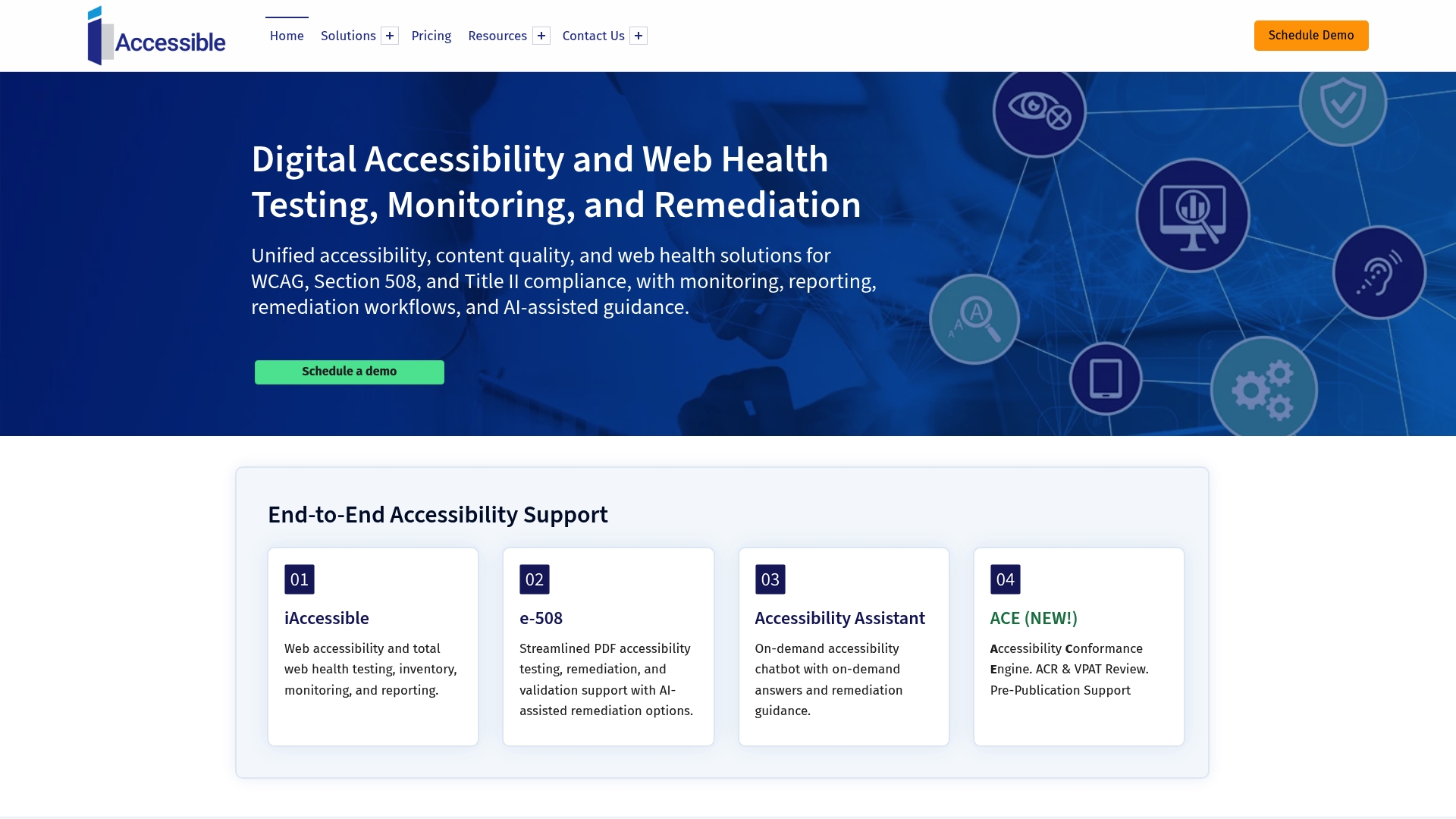
Plans start at $37.50 for small websites and scale up to custom enterprise agreements. The platform supports WCAG, Section 508, and Title II checks alongside PDF accessibility. It combines automated scans with manual reviews and AI guidance to help teams close accessibility issues.
Core Features
iAccessible runs end to end accessibility testing across web pages and documents, and it pairs automated scans with manual validation workflows. The platform offers AI-assisted remediation guidance, readability and content quality checks, hyperlink and website health monitoring, and custom dashboards for stakeholders. According to the company, the service runs on FedRAMP-compliant AWS infrastructure.
Key Differentiator
The platform blends automated and human testing with AI suggestions and enterprise reporting tailored to governance needs. That combination aims to reduce false positives from automation and produce audit-ready reports for compliance programmes. The secure, report-focused approach suits organisations that must demonstrate ongoing conformance to accessibility standards.
Pros
Coverage spans web pages, PDFs, and content quality so teams do not need separate tools for documents and sites. Dashboards present technical issues and executive summaries, which helps you share progress with non-technical stakeholders. Flexible pricing and subscription models make the service usable for small sites while also supporting bespoke enterprise assessments. The mix of automated scans with manual checks reduces simple errors and helps prioritise higher-risk fixes.
Cons
- Limited independent third-party reviews make it hard to verify long term user satisfaction.
- Domain name overlap with other accessibility services creates attribution confusion for public feedback.
- Few detailed case studies or customer testimonials are available publicly to illustrate real deployments.
When It May Not Fit
If you need an open source or community driven tool, this commercial platform may not match your preferences. Organisations seeking a plug and play browser extension without dashboarding will find the reporting features more than they need. Smaller teams that want purely automated, no-human-review scans could find the combined workflow more than required.
Who It’s For
This product suits organisations that must manage compliance across multiple sites and document types, including government bodies and larger enterprises. It fits teams that need traceable audit reports and stakeholder dashboards to show remediation progress. Small businesses with growth plans can start on the lower tier and scale as requirements expand.
Real World Use Case
A government agency runs scheduled scans across public portals and PDFs, then exports detailed reports for audit trails. Accessibility officers assign fixes from the dashboard and track remediation progress over time. The blend of automated checks and manual review helps the agency reduce repetitive false positives.
Pricing
Pricing starts at $37.50 for small websites and scales to custom enterprise plans based on site size and scope. Subscription options and user licences are available, with bespoke quotes for large organisations.
Website: https://iaccessible.com
Siteimprove Accessibility Checker
At a Glance
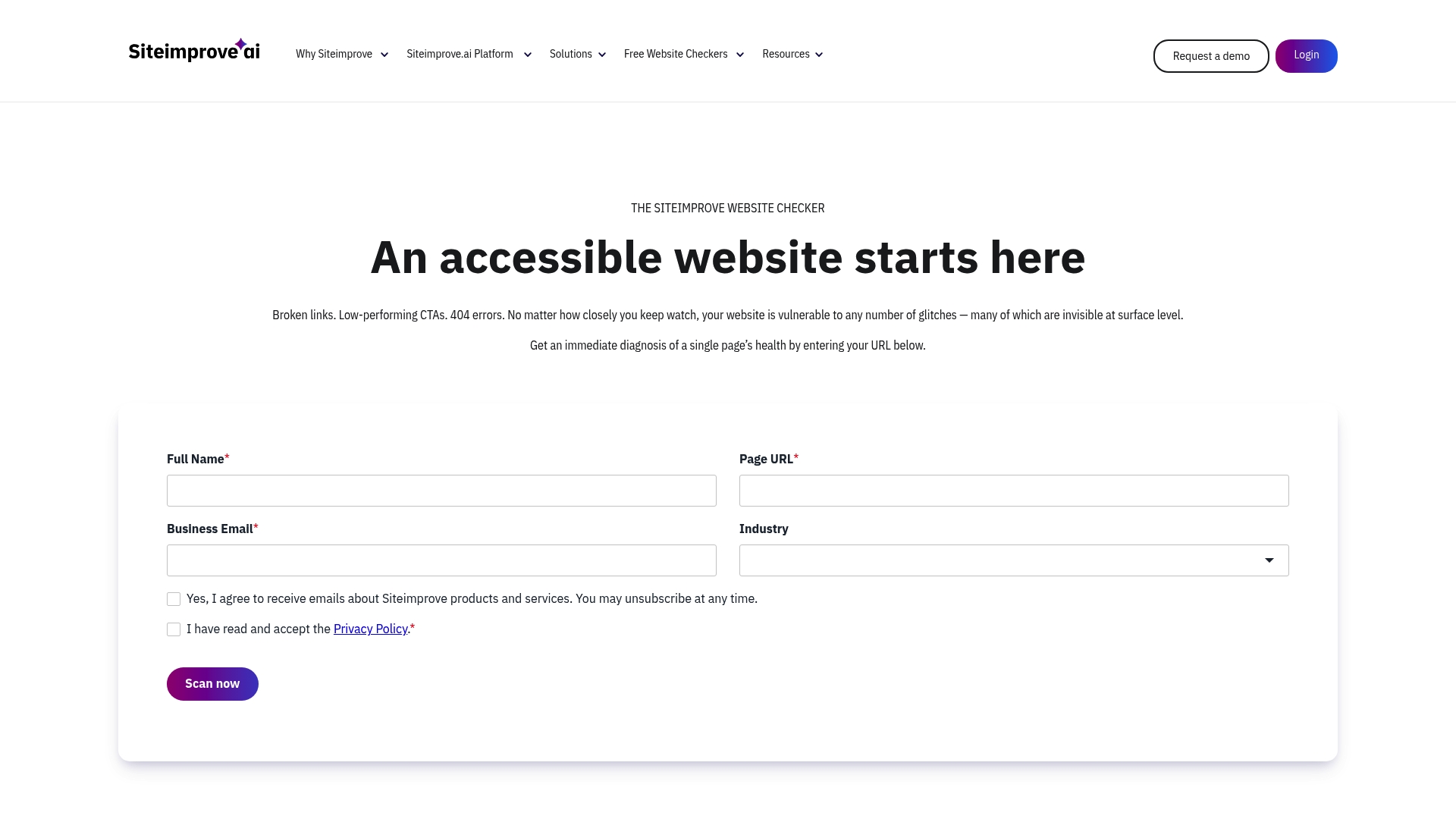
A free browser-based checker that returns a website accessibility score after scanning a single page for WCAG issues. The report groups errors by severity and lists step-by-step remediation suggestions. That quick score helps teams prioritise fixes across dozens of pages without an initial purchase.
Core Features
The tool runs automated scans against WCAG criteria and flags common failures such as missing alt text and poor contrast. It pairs automated findings with a user dashboard that tracks issues and progress, and it offers browser extensions and CMS plugins to fold checks into existing workflows. The interface also supports manual testing alongside automated reports for fuller coverage.
Key Differentiator
Siteimprove Accessibility Checker combines an immediate page score with detailed, standards-aligned issue reports so teams see both the problem and a suggested fix. The vendor positions it as part of a larger digital governance platform, so the checker links into SEO, content quality, and governance modules if you later expand. That integration path suits organisations planning broader site management.
Pros
The checker reliably highlights obvious WCAG violations and reduces time spent spotting routine faults. Its integration options let you embed scans into a content review process via browser extensions and CMS connectors. The dashboard centralises issues so content managers can assign and monitor fixes. As a free starting point the tool lowers the barrier for teams that must show compliance quickly.
Cons
-
Scans can return false positives that require manual verification. This adds review time for accessibility specialists.
-
The interface can feel cluttered and less intuitive for new users. Training or a short onboarding period helps overcome the learning curve.
-
Costs rise when organisations add Siteimprove platform modules beyond the free checker. Budget holders should model pricing before committing.
-
Performance may slow after frequent scans, and some teams report inconsistent customer support responsiveness.
When It May Not Fit
If you need a lightweight CLI tool or a single-purpose scanner for automated pipelines, this browser-centric checker may not fit your workflow. Teams that cannot tolerate false positives or that demand rapid repeated scanning at scale may prefer a tool tuned for bulk CI processes. Organisations with minimal design resources might find the UI frustrating until they allocate time for setup.
Who It’s For
Web developers, accessibility specialists, and digital content managers working within larger teams will get the most from this tool. It suits organisations that plan to expand into governance or content modules over time and those that want a quick, no-cost way to begin WCAG auditing. Small teams that require only command-line workflows may find it less suitable.
Real World Use Case
A university runs scheduled scans of departmental pages with the checker, collects the dashboarded issues, and hands remediation tasks to content editors. The team uses the reports to prioritize fixes and to demonstrate compliance with WCAG and related accessibility obligations across hundreds of pages.
Website: https://siteimprove.com/toolkit/accessibility-checker
Comparison of alternatives
WebsiteSpellChecker delivers a cost-efficient and user-oriented all-site scanning solution, setting it apart from other options in the market. This analysis delves into the unique strengths and potential trade-offs present among the listed alternatives to assist users in selecting the most suitable tool for their requirements.
Breadth of features and usability comparison
WebsiteSpellChecker excels with its rapid, scanning and collaboration-oriented approach. In contrast, competitors like BetaSweep integrate diverse analytical dimensions, such as SEO and accessibility performance, into a single application. BetaSweep’s stance on data privacy—conducting scans locally—makes it valuable for sensitive applications, albeit with some functional trade-offs like the absence of AI interpretation. Meanwhile, iAccessible provides broad accessibility tools extending to PDFs, appealing to organisations with stringent accessibility compliance requirements. Lastly, Siteimprove Accessibility Checker serves as a straightforward and cost-free option for teams initiating accessibility improvements without requiring significant investment.
Pricing models and their impacts
WebsiteSpellChecker’s pricing model starts at $0.08 per page, offering a highly scalable and economical option particularly beneficial for frequent, extensive scans. BetaSweep operates on a mix of one-off payment (€19 per report) and subscription (€39 for single sites), potentially suiting those looking for periodic and controlled expenditures. iAccessible starts higher but justifies its price for teams managing extensive compliance requirements due to its infrastructure and manual review offerings. Siteimprove serves as a no-cost entry point, with potential for higher expenditures upon adopting its extended modules.
Best fit
- Website managers who require consistent, cost-effective auditing of frequently updated content will find WebsiteSpellChecker a highly practical solution.
- Teams concerned with privacy or working on sensitive projects should consider BetaSweep, as it processes scanning entirely on local devices.
- Organisations needing both automated scans and manual validations to ensure adherence to complex governance protocols will benefit from iAccessible’s dual approach.
- Small teams exploring accessibility improvements without immediate budget allocation for higher-end tools will appreciate the free functionalities of the Siteimprove Accessibility Checker.
Our pick
WebsiteSpellChecker stands out for its fast, AI-powered scans that simplify the identification and reporting of spelling and grammar errors across entire websites. Its collaborative-friendly outputs further ensure teams can efficiently correct issues, enabling consistent quality control. However, for those requiring multi-aspect analysis or local data privacy, alternatives such as BetaSweep and the Siteimprove Accessibility Checker might better meet those specific needs.
Select the tool that best balances price, features, and suitability for your organisation’s website format.
| Product | Core Feature | Key Differentiator | Best For | Pricing | Limitation |
|---|---|---|---|---|---|
| Websitespellchecker | AI sitewide scans with error highlighting | Real-time error identification | Marketing teams managing multiple sites | $0.08 per page | Limited to publicly accessible pages |
| BetaSweep | Full analysis on local device | Multi-aspect site health scan | Small businesses preferring local scans | $19 per report, $39/month | Capped at 5,000 pages per scan |
| iAccessible | Website and document accessibility checks | Human testing with AI guidance | Enterprise compliance teams | From $37.50/month | Limited independent third-party validation |
| Siteimprove Accessibility Checker | Browser-based accessibility checks | Immediate WCAG issue identification | Teams expanding into content governance | Free | False positives requiring manual review |
Addressing Website Content Quality Alongside Accessibility
Ensuring your website meets accessibility standards is a crucial step. Yet, spelling mistakes and grammatical errors can also chip away at customer trust and harm your site’s credibility. Websitespellchecker offers a practical AI-powered solution designed for business owners, marketing teams, developers, and agencies that manage multiple or large sites. It instantly scans entire websites for spelling and grammar mistakes, highlights errors with clear screenshots, and tracks changes over time.
Why choose Websitespellchecker?
- Instant, comprehensive scanning without manual uploads
- Multi-language support suited for global websites
- Shareable reports that align marketing and development efforts
Combine your accessibility checking process with a reliable spelling and grammar audit to present a professional, trustworthy website. Try Websitespellchecker with a free initial scan and experience how quick, accurate proofreading can maintain your site’s quality and user confidence. Visit Websitespellchecker to start reviewing your website today.
FAQ
How does Websitespellchecker support multiple languages?
Websitespellchecker accommodates various languages, making it suitable for global sites needing checks in more than one language. Its multi-language support enhances usability for diverse audiences and ensures that all content is professionally presented. You can easily run scans in different languages to maintain quality across your entire site.
What is the difference between BetaSweep and Websitespellchecker?
BetaSweep excels in its ability to run local scans across accessibility, SEO, and performance issues in one go. Websitespellchecker, on the other hand, focuses on providing instant, sitewide spelling and grammar checks with clear on-page error highlighting. Choose BetaSweep for a comprehensive site health check, while Websitespellchecker is ideal for quickly fixing content errors across your sites.
Which platform offers better pricing for ongoing monitoring of multiple sites?
Websitespellchecker offers competitive pricing at $0.08 per page, making ongoing monitoring affordable for agencies and small businesses with multiple sites. This pay-per-page model is advantageous for users who require regular audits without committing to high fixed fees.
Can I use the WebsiteSpellChecker for password-protected pages?
Websitespellchecker is limited to scanning publicly accessible pages, as private or password-protected content requires additional setup. If you’re working with sensitive data, be prepared to adjust your access settings or opt for a different solution that accommodates secure pages.
What features make Websitespellchecker suitable for teams?
Websitespellchecker is designed with collaboration in mind, allowing teams to share reports and track changes over time. Its instant, on-page error highlighting and ability to produce shareable reports ensure that all team members can easily understand and address content issues. This functionality fosters a unified approach to maintaining website quality.