Top 6 Website Spell Checker Chrome Extension Alternatives 2026

Misspelt words on websites chip away at trust and make your work look less professional to visitors and clients. Most Chrome extensions only check what you type live rather than scanning entire websites, missing hidden errors on public pages and different languages. This list compares pay-per-page, multilingual, and full-site spell check tools so you can pick the best fit for your next website audit.
Table of Contents
- WebsiteSpellChecker
- Grammarly
- LanguageTool
- ProWritingAid
- Ginger Software
- WhiteSmoke
- Comparison of alternatives
WebsiteSpellChecker
At a Glance
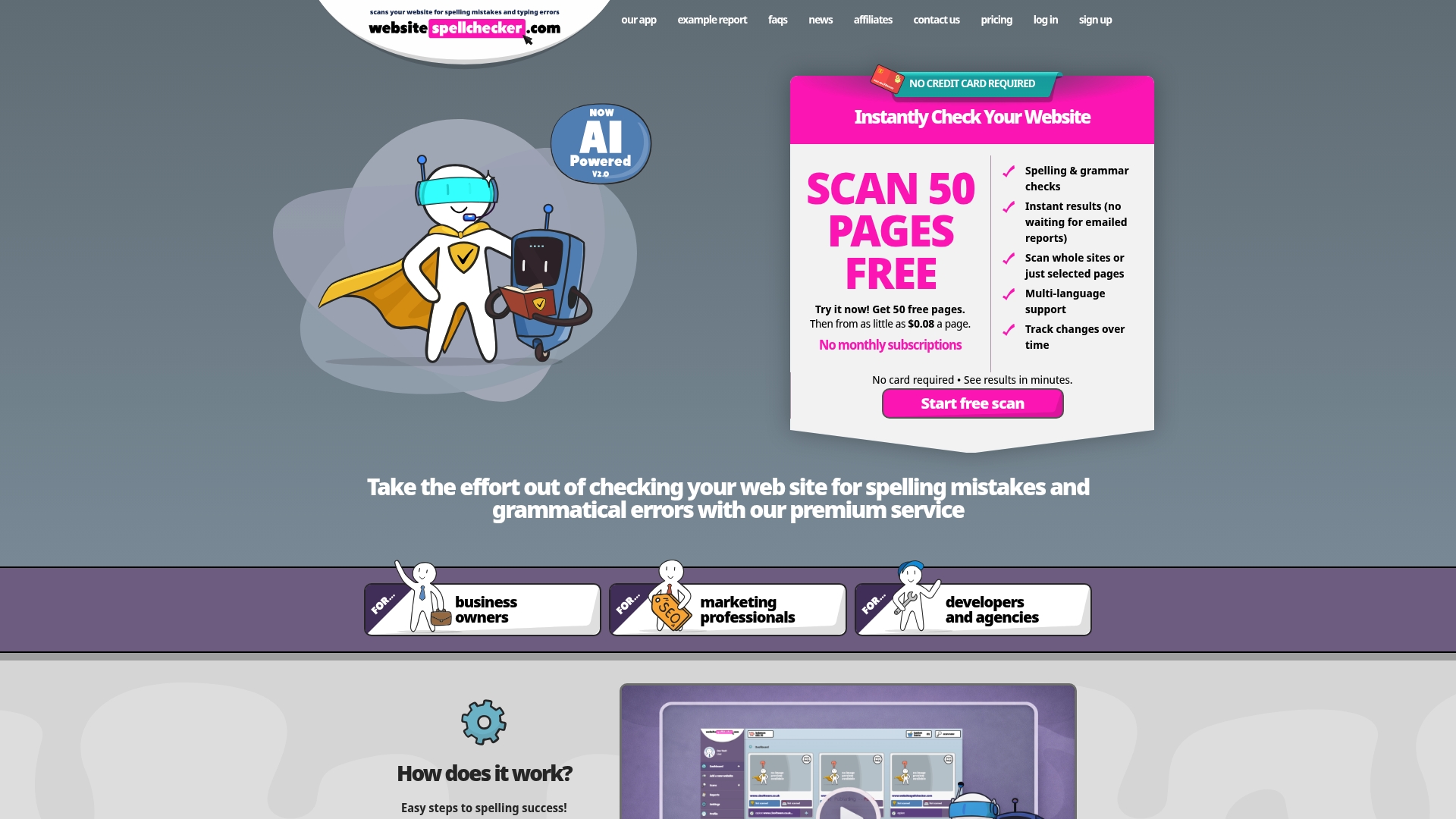
Fifty free pages are included, then $0.08 per page for further checks. This pricing model removes monthly commitments and lets you buy checks as needed. The tool scans entire sites and returns instant, itemised reports with suggested corrections. It also detects multiple languages and can track changes to site copy over time.
Core Features
WebsiteSpellChecker runs a site wide crawl to locate spelling and grammatical errors and compiles a detailed report for each page. The scanner detects language automatically across more than twenty languages and lets you target specific pages or directories for focused checks. Results appear instantly and reports include clear explanations and suggested rewrites you can hand to editors or developers.
Key Differentiator
Multi language scanning combined with pay per page billing and instant, detailed reports is the single operational advantage here. That mix removes subscription overhead while letting teams spot errors across multilingual sites in one pass. The tracking of changes over time makes it easier to measure whether corrections stick after content updates.
Pros
The interface is straightforward and quick to adopt, so your team can start scanning without lengthy setup. The pay per page model gives precise cost control for occasional audits and for sporadic campaign checks. Reports are granular and written in plain language, so content teams and developers can act on findings without extra translation. The vendor reports strong customer satisfaction for accuracy and usability, which matches hands on experience with the report quality and language detection.
Cons
- Limited to publicly accessible pages; does not scan password protected or staging sites.
Who It’s For
This suits small to medium sized businesses, in house marketing teams, and digital agencies that manage multiple client sites. Developers who perform pre launch audits will find selective directory scans useful. Content managers running multilingual sites will value the automatic language detection and historical tracking features.
Unique Value Proposition
Fifty free pages followed by a clear per page fee removes commitment and lets you proof content at a predictable marginal cost. That model reduces wasted spend when you only need occasional audits and makes budgeting straightforward for campaign checks. For teams that bill clients by task the per page approach simplifies passing cost directly to the client.
Real World Use Case
A digital marketing agency scans all client websites monthly to catch copy errors before campaigns launch. The agency runs targeted checks on landing pages and records changes after edits to confirm fixes. That process helps preserve professional tone across campaigns and supports steady SEO maintenance.
Pricing
There is a free allowance of fifty pages, then pricing is pay per page at $0.08 per page. The vendor offers the free initial checks so you can trial the service on a representative sample before buying additional pages. Volume or bulk discount options are not listed publicly.
Website: https://websitespellchecker.com
Grammarly
At a Glance
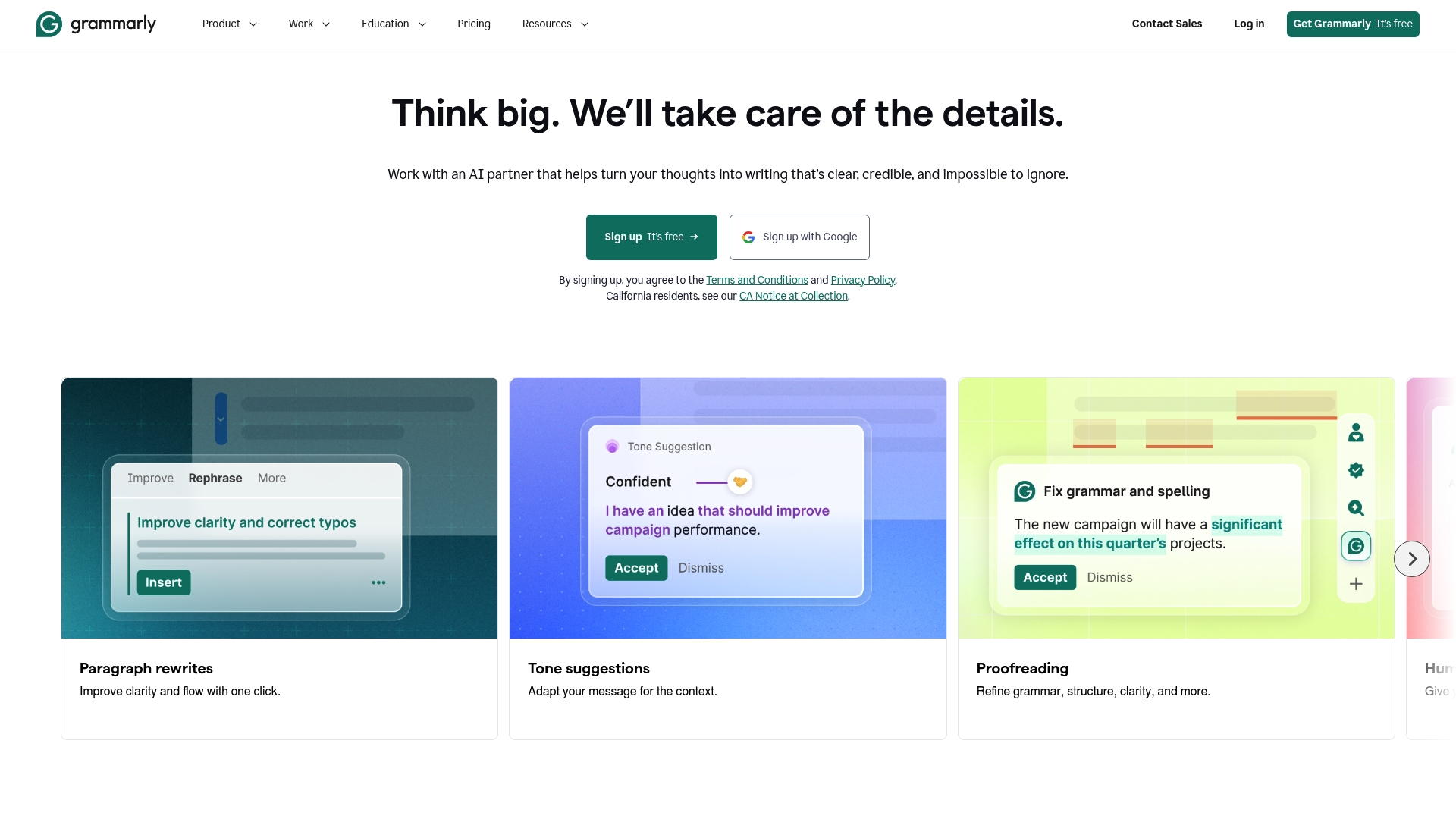
Grammarly reports more than 40 million users across browsers, desktop apps and integrations. The product pairs real-time grammar and style suggestions with tone adjustment and rewriting tools. It offers free basic checks and tiered plans for professionals and enterprise teams.
Core Features
Core features include grammar and spelling correction, tone and style suggestions, and sentence rewrites that aim to improve clarity and impact. AI prompts assist content generation while built-in plagiarism detection and citation support helps check originality. Extensions and desktop apps deliver the same suggestions across Chrome, Google Docs, email and native applications.
Key Differentiator
Grammarly centres on AI-powered, real-time suggestions that follow you across apps and browsers, rather than scanning an entire site at once. That focus makes it a practical writing assistant for individual authors and teams who edit in-browser or in-document. Websitespellchecker, by contrast, suits teams wanting a site-wide audit and tracking of public pages.
Pros
That user figure explains its wide adoption among organisations and solo professionals. The product combines a broad feature set with cross-platform support, so you get the same guidance in email, Slack, Google Docs and desktop editors. Enterprise options add team controls and privacy features that appeal to IT and compliance stakeholders.
Cons
-
Some advanced editing features are locked behind paid plans, which means basic users may need Pro for deep rewriting and plagiarism checks.
-
Privacy concerns arise because text is analysed to generate suggestions, so highly confidential workflows may need extra review.
-
The integrations listing is high level, and deep CMS or bespoke platform connections depend on the environment and may require custom work.
When It May Not Fit
If your priority is automated site-wide scanning that locates errors across every public page, Grammarly is not the right match. Organisations that cannot allow any user content to leave their private network will find the product’s cloud analysis model limiting. If you need native plugins for a specific enterprise CMS, verify support before committing.
Notable Integrations
-
Browser extensions for Chrome, Firefox, Safari, and Edge
-
Desktop applications for Windows and Mac
-
Google Docs, Microsoft Office, Slack, Notion, Gmail, Outlook
Who It’s For
Solo professionals, educators, content creators and teams who write inside browsers or document editors and want consistent, on-the-spot writing guidance. The product fits organisations that need team controls and enterprise-grade protections.
Real World Use Case
A marketing team uses Grammarly to keep campaign copy on tone and error free across email, landing pages and social posts. An academic researcher uses the plagiarism checker and citation support to reduce accidental overlap and maintain proper references.
Pricing
Plans start with a free tier, Pro at $12/month billed annually and custom pricing for Enterprise deployments. Organisations should request enterprise quotes to compare controls and privacy terms.
Website: https://grammarly.com
LanguageTool
At a Glance
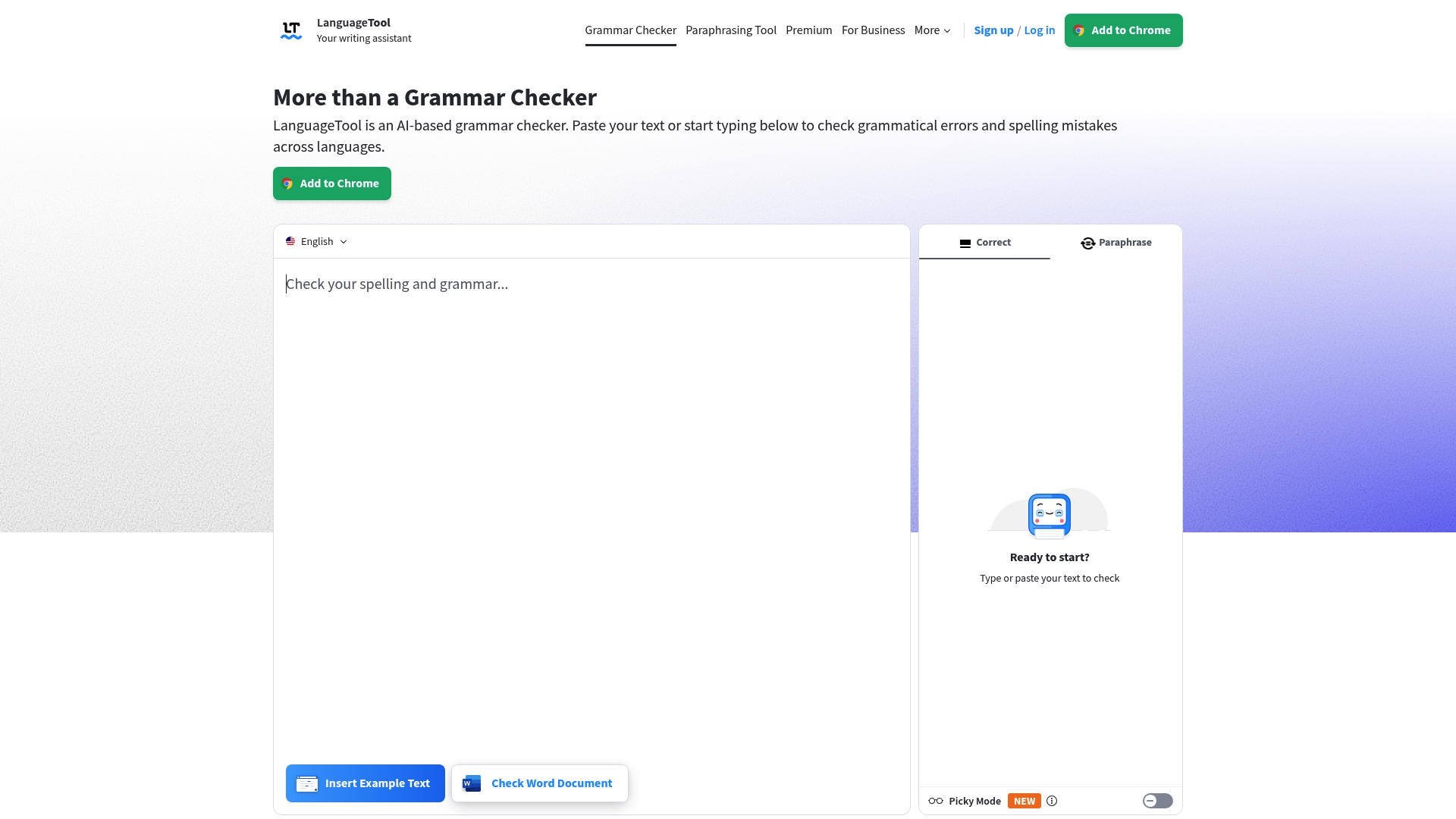
Supports over 30 languages and ships an open source core with team dictionaries and style guides. This multilingual reach makes it a practical alternative to a website spell checker chrome extension when your site publishes in several languages. The product mixes browser, office, and email tooling for content that reads consistently.
Core Features
LanguageTool runs AI powered grammar, punctuation, style, and spelling checks and detects multiple languages automatically. It offers browser extensions, Office plugins, and email add ons alongside a dedicated editor and paraphrasing tools. Team dictionaries, custom rules, and text statistics help you keep brand voice consistent across contributors.
Key Differentiator
LanguageTool combines style and tone aware suggestions with support for more than 30 languages and an open source option. That mix helps teams keep multilingual copy aligned to a single style guide while allowing self hosting or code contributions. For organisations that need brand control and language breadth, this combination stands apart from single language checkers.
Pros
LanguageTool provides broad multilingual coverage and contextual checks that catch grammar and style issues beyond simple spelling mistakes. Its open source core permits self hosting or custom rule development, which benefits agencies that want full control. The suite covers browsers, office suites, and email, so your workflows rarely need a separate tool for checks. Team dictionaries and style guides add a layer of organisational consistency that single seat extensions do not offer.
Cons
- Advanced style suggestions and paraphrasing require a paid Premium account, so some useful features are not in the free tier.
- The interface can feel complex for new contributors because many features and settings are exposed.
- Reported performance varies by platform and integration, which can lead to slower checks in larger documents.
When It May Not Fit
LanguageTool may not suit teams that need every feature in a free plan. Teams requiring identical behaviour across every single integration may find variation between platforms frustrating. If you prefer a lightweight, single purpose spell checker with minimal configuration, this full feature set could be more than you need.
Notable Integrations
- Browser extensions: Chrome, Firefox, Edge, Safari, Opera.
- Office plugins: Word, Google Docs, LibreOffice, Pages.
- Email add ons: Gmail, Outlook, Thunderbird, Apple Mail.
Who It’s For
This tool fits writers, translators, and marketing teams that publish in multiple languages and must keep brand tone consistent. It suits organisations that want the option to self host or extend rules via an open source core. It is less suited to single authors who only need a basic spell check.
Real World Use Case
A marketing team uses LanguageTool to scan campaign copy across English, French, and German before publishing. Team dictionaries and a shared style guide block inconsistent terminology and tone. The team runs checks from the browser and Google Docs to catch errors in early drafts.
Pricing
A free tier is available for basic checks. Premium subscriptions add advanced style suggestions, paraphrasing, and expanded integrations for teams and business use.
Website: https://languagetool.org
ProWritingAid
At a Glance
According to the company, user work is not used for AI training and is not shared. This privacy stance will appeal to writers who value draft ownership and confidentiality. ProWritingAid pairs that privacy promise with story analysis and a virtual beta reader to review narrative choices.
Core Features
The vendor advertises multiple detailed reports delivered in seconds to minutes, including grammar, style, pacing, and manuscript analysis. It connects with MS Word, Google Docs, Scrivener and browser extensions so you can work inside familiar apps. The virtual beta reader and character tools give perspective on plot and reader reaction while report generation helps prepare submissions.
Key Differentiator
ProWritingAid focuses on deep, structured analysis tailored to storytelling rather than only surface grammar suggestions. Its story, plot and character analysis tools break a manuscript into readable diagnostics that highlight pacing and development. That emphasis on narrative structure sets it apart from extensions that limit themselves to sentence level checks.
Pros
ProWritingAid offers an extensive feature set that supports both fiction and nonfiction projects, from manuscript analysis to style and pacing reports. Integrations across MS Word, Google Docs and Scrivener let you edit in place and preserve manuscript formatting. That privacy claim about not using work for AI training is a clear advantage for writers who must protect drafts.
Cons
-
Pricing can be high for full suite access, which makes casual or hobby writers pause.
-
Some users report a learning curve to use all features effectively, especially the advanced reports.
-
AI analysis does not replace human editors for complex developmental feedback in large projects.
When It May Not Fit
If you need a quick browser spelling fix for landing pages and marketing copy, this product is overly deep and may slow routine checks. Teams needing built in collaborative review and editorial role management should look elsewhere. Casual users on tight budgets will find the pricing structure restrictive.
Notable Integrations
-
MS Word
-
Google Docs
-
Scrivener
-
Chrome Extension
-
Firefox Extension
-
MS Word on Mac
-
Google Docs extension
Who It’s For
Writers, authors and storytellers who want in depth feedback on plot, character and pacing will benefit most. Professional novelists preparing agent submissions will find the manuscript reports useful. Aspiring authors who plan multiple drafts will value the range of diagnostic reports.
Real World Use Case
A novelist runs a full manuscript through ProWritingAid to flag plot holes and pacing slow points. The character analysis highlights inconsistent character arcs and the virtual beta reader surfaces sections that confuse readers. The author then iterates edits before sending a polished draft to agents.
Pricing
According to the company, pricing varies with a free tier offering limited features, Premium starting at around $70/month, annual discounts, and lifetime options available. Check the vendor site for current plans and any promotional pricing.
Website: https://prowritingaid.com
Ginger Software
At a Glance
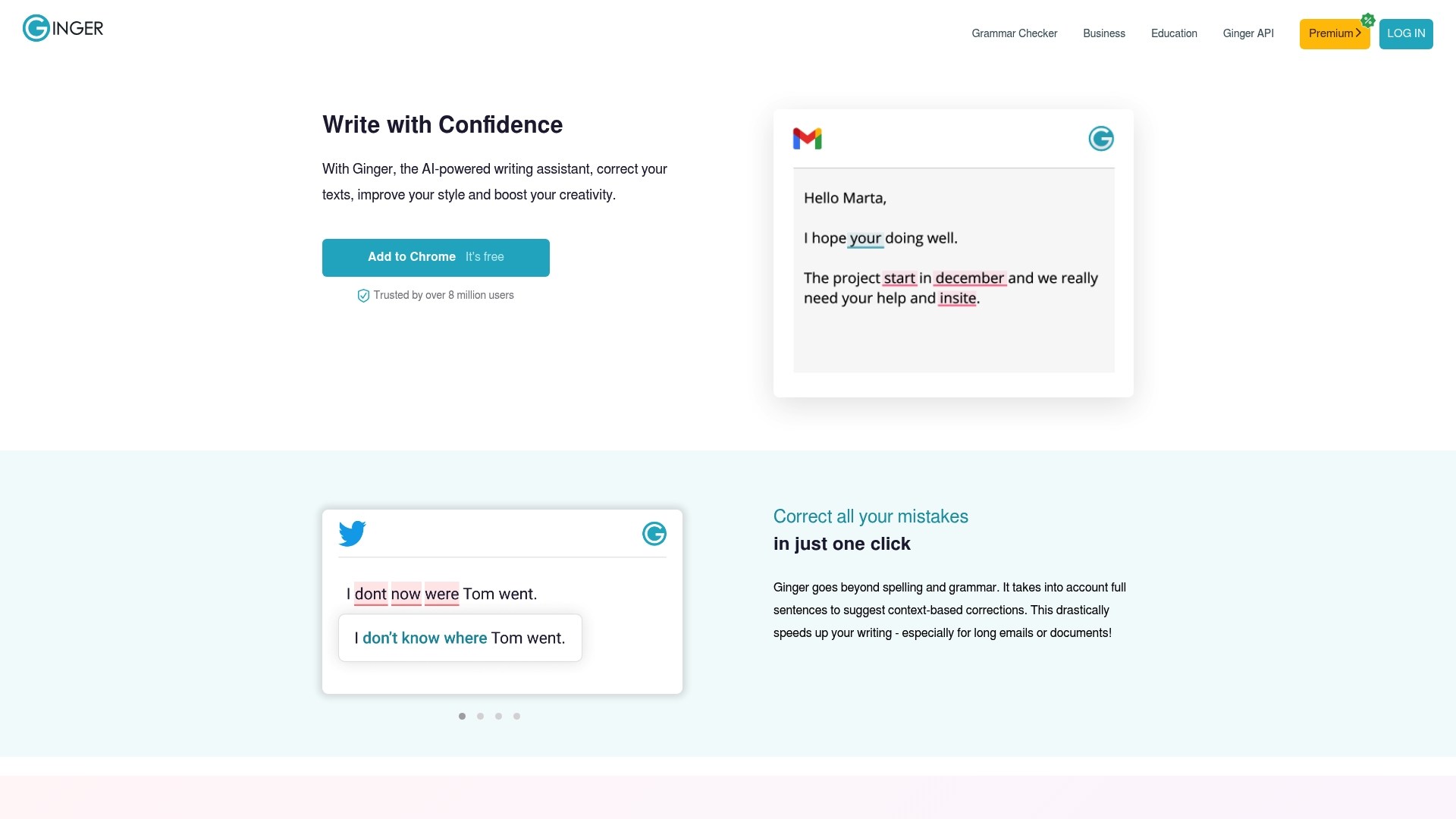
Ginger reports more than 8 million users worldwide. It uses AI to correct grammar, spelling, punctuation, and to offer rephrasing and translation across browsers, desktops, and mobile. Its personal English training features aim at learners as well as professionals. The combination of correction and practice makes it more than a simple spell checker.
Core Features
Key features include Grammar correction, Sentence rephrasing, and Translation, backed by contextual suggestions. The tool also performs punctuation checking and offers an English dictionary, online proofreading and essay checking. Extensions run in Chrome, Edge and Safari and mobile apps support iOS and Android, plus integration with Microsoft Office.
Key Differentiator
Ginger’s contextual error correction and personalised learning tools are powered by deep learning algorithms. That approach places suggestions into sentence context and provides practice exercises tailored to recurring mistakes. The learning element links corrections to short drills that focus on patterns you repeat.
Pros
Wide platform compatibility means you can use Ginger in browsers, desktop apps, mobile devices and inside Office. Context aware corrections catch errors that simple spell checkers miss, and personalised training targets repeated weaknesses. Integrations with Office and browser extensions make it practical for teams, and the user count above signals wide adoption. The training modules record recurring mistakes and convert them into brief practice items.
Cons
-
Premium features require payment. The free tier has strict usage limits.
-
Some advanced features have a learning curve for casual users.
-
Support for languages other than English is limited compared with rivals that specialise in multilingual checks.
-
Third party integrations depend on platform updates, which can break functionality temporarily.
When It May Not Fit
If you rely only on the free tier, you will hit usage limits and miss premium tools. Teams that handle specialised legal or technical copy may find suggestions uneven for complex terminology. Organisations that must work offline will find the cloud based processing a constraint.
Notable Integrations
-
Microsoft Office
-
Chrome browser extension
-
Microsoft Edge extension
-
Safari extension
-
iOS and Android apps
Who It’s For
English learners, students and busy professionals will benefit from the personalised training and correction tools. Educational institutions can use the essay checking and training modules to support classroom work. Corporate teams that write across emails, reports and social media will gain from Office and browser integration.
Real World Use Case
A multinational marketing team uses Ginger to keep emails, social posts and client reports free of errors. Writers use the browser extension and Office integration to apply consistent corrections across channels. That approach reduces the need for manual proofreading and helps maintain a professional voice in external communications.
Website: https://gingersoftware.com
WhiteSmoke
At a Glance
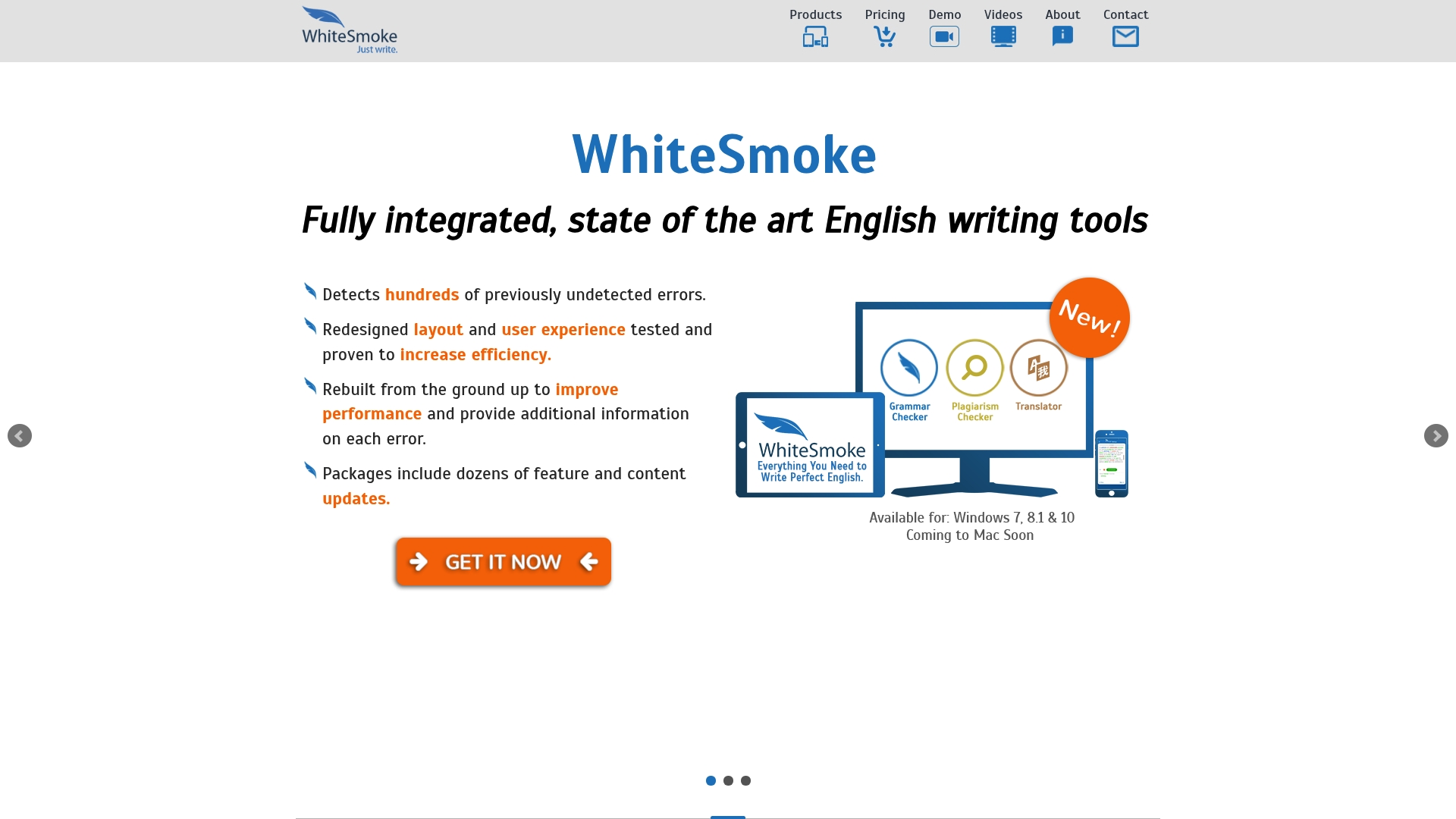
WhiteSmoke’s marketing materials state it supports over 50 languages for translation and dictionary functions. That language breadth helps when you edit multilingual site content or localised marketing copy. The tool bundles grammar, spelling, punctuation, style checks and a translator across desktop and mobile.
Core Features
WhiteSmoke combines a Grammar Checker, Style Checker, and Translator with a Spell Checker and Punctuation Checker. It integrates with text applications and browsers so you can correct content inside Microsoft Word, Outlook, and web editors. The package also includes tutorials and suggestions to help non native speakers improve tone and clarity.
Key Differentiator
WhiteSmoke uses Natural Language Processing and AI algorithms to go beyond single error fixes and adjust tone and clarity across longer passages. That approach aims to surface stylistic improvements as well as mechanical corrections. The focus on both style and translation sets it apart from simple spell check tools.
Pros
The product claims high accuracy for grammar, spelling, style and punctuation checks. Deep integration with Microsoft Word and Outlook means you can catch issues inside common office workflows rather than moving text between apps. The interface is aimed at increasing writing speed, and mobile plus desktop availability keeps checks consistent across devices. That language support figure also helps teams handling multilingual copy.
Cons
-
Pricing details are not listed on the site. This suggests a subscription model that may be costly for small shops.
-
No clear information about enterprise customisation or dedicated business plans is available. Large publishers may need to contact sales for specifics.
-
Some third party reviews report a learning curve with the interface and occasional inaccuracies in suggestions. Expect to proofread automated edits rather than accept them blindly.
When It May Not Fit
If you need a free or open source solution, WhiteSmoke may not meet your budget requirements. Organisations that require detailed enterprise features or on prem deployment will find limited public documentation. If you prefer a minimalist editor with few options, the multiple feature layers may feel excessive.
Notable Integrations
-
Microsoft Word
-
Microsoft Outlook
-
Browsers (Chrome, Firefox, Safari, Opera)
Who It’s For
You if you are an English learner, student, content creator or business professional who must publish clear, correct copy across platforms. It suits teams that need translation plus writing checks and that use Office and browser based workflows.
Real World Use Case
A multinational company uses WhiteSmoke Premium to proof official emails, reports and legal documents before they go to clients. The translation and style checks help keep regional offices aligned on tone. Legal and communications teams rely on the integrations to reduce manual review time.
Pricing
Pricing is offered through the online store, which indicates a paid subscription model with multiple plans. Exact tier names and costs are not listed on the public pages. Contacting sales or visiting the store is required to view current prices.
Website: https://whitesmoke.com
Comparison of alternatives
When selecting a solution for scanning and correcting spelling and grammatical errors across entire websites, several options stand out based on varying operational needs. Each product provides a unique feature set tailored to specific workflows, allowing users to find a solution closely aligned with their requirements and priorities.
Functional scope differentiation
WebsiteSpellChecker excels in website-specific audits by offering instant, itemised reports with individual corrections and a focus on multi-language support for targeted branding consistency. In comparison, Grammarly prioritises real-time editing and integrates broadly across communication platforms, making it ideal for teams focused on interactive content creation. LanguageTool provides multilingual capabilities with open-source flexibility, catering to organisations requiring self-hosted solutions. Each tool brings distinct capabilities to the table, depending on user emphasis on website maintenance, integration, or localisation needs.
Pricing alignment to usage
A striking difference lies in how these tools approach pricing and scalability. WebsiteSpellChecker features a transparent pay-per-page model, for organisations requiring intermittent yet large-scale checks, whereas Grammarly and LanguageTool offer subscription-based models conducive for continuous use. ProWritingAid targets authors with advanced narrative diagnostics, while Ginger Software presents a mid-tier subscription focusing on training and error correction for educators or professionals. A user’s preferred fee structure and frequency of utilisation heavily influence the suitability of these options.
Best fit
- For digital agencies aiming to efficiently audit multilingual websites, WebsiteSpellChecker is ideal with its scalable, pay-per-use model combined with exceptional language versatility.
- Organisations seeking a tool offering extensive real-time editing capabilities integrated across popular document platforms may find Grammarly a choice.
- Teams looking for an open-source solution with deep multilingual dictionary customisation should consider adopting LanguageTool, particularly for managing large-scale, region-specific content.
Our pick
Given these considerations, WebsiteSpellChecker is our choice for organisations focused on maintaining the quality and accuracy of website content. The key feature — a cost-effective pay-per-page pricing model combined with historical audit tracking across multilingual websites — provides unique advantages for agencies and businesses managing diverse portfolios. However, teams seeking tools for immediate content editing or high-volume document correction might find competitors such as Grammarly or ProWritingAid better suited to their specific needs.
Website spell checking tools offer various features to identify and correct errors across public web pages, browsers, or documents, supporting different user scenarios.
| Product | Core Feature | Key Differentiator | Best For | Pricing | Notable Limitation |
|---|---|---|---|---|---|
| Websitespellchecker | Site-wide crawl for spelling errors | Pay-per-page model | Marketing teams and multilingual sites | $0.08 per page after 50 | Cannot scan password-protected or staging sites |
| Grammarly | Real-time grammar and style suggestions | Integration across apps and browsers | Individual and team writing assistance | Free; Pro: $12/month | Limited advanced features and potential privacy concerns |
| LanguageTool | Multilingual grammar and style checks | Open source and customisable rules | Writers managing multilingual content | Free; Paid plans apply | Complex interface for new users |
| ProWritingAid | Manuscript and narrative analysis | Story and plot diagnostics | Authors and storytellers preparing drafts | ~$70/month | High pricing and steep learning curve for advanced features |
| Ginger Software | Contextual grammar and sentence rephrasing | Personalised learning modules | English learners and busy professionals | Free tier with limits | Limited support for languages beyond English |
| WhiteSmoke | Multilingual grammar and style checks | Includes translation functions | Business professionals and content creators | Price not published | Subscription model lacks specifics and enterprise options |
What Challenges Arise from Relying Solely on a Website Spell Checker Chrome Extension?
Maintaining a professional online presence requires total accuracy across all your web pages. Unlike browser extensions that check only individual pages, Websitespellchecker offers a thorough site-wide scan with instant, detailed reports. It automatically identifies errors in multiple languages and tracks changes over time, helping you safeguard customer trust and boost search engine rankings.
Key benefits include:
- Precise reviews of entire websites or targeted directories
- Clear explanations and correction suggestions for your team
- Flexible pay-per-page pricing with no monthly commitment
Explore Websitespellchecker to test fifty free page checks and measure how immediate, comprehensive scans enhance your content quality and overall credibility.
FAQ
How does Websitespellchecker assist with multi-language content?
Websitespellchecker automatically detects language across more than twenty languages. This feature enables it to check spelling and grammatical errors on multilingual sites effectively. You can utilise this tool to ensure consistency and accuracy in your diverse content.
What is the difference between LanguageTool and Websitespellchecker?
LanguageTool excels in providing contextual checks and style suggestions for over thirty languages, making it a strong option for multilingual users. Websitespellchecker, on the other hand, is tailored for site-wide auditing, providing detailed reports for publicly accessible pages with no subscription commitments.
Can I scan specific directories with Websitespellchecker?
Yes, Websitespellchecker allows you to target specific pages or directories for focused checks. This capability makes it particularly useful for teams launching new campaigns or performing audits on selected sections of their sites. It streamlines the process of correcting content in particular areas.
Does Websitespellchecker track changes over time?
Websitespellchecker indeed has a feature that tracks changes to site copy over time. This functionality ensures you can measure whether corrections have been consistently applied after content updates, which is valuable for maintaining a professional tone.
How does the pricing of Websitespellchecker compare to other options?
Websitespellchecker offers fifty free pages initially, followed by a straightforward $0.08 per page for further checks. This pay-per-page model allows for clear budgeting without monthly commitments, making it a flexible option compared to subscription-based platforms.