
Website SpellChecker Example Report
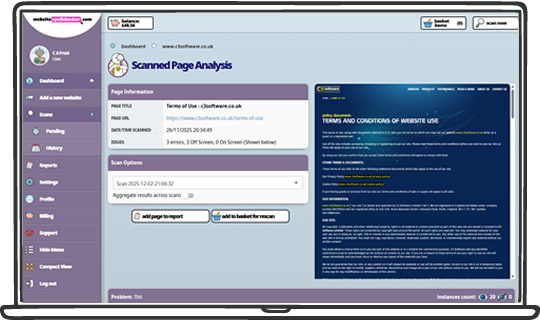
Once we've scanned your website, a report will be produced for you that looks a bit like this one.
Each page of your website is represented by a card in the report.
Captured Elements
- The URL of the webpage
- The date and time the page was scanned by our spell checking bot
- How many spelling mistakes or typos were discovered in the metadata for that individual page
- How many spelling mistakes or typos were discovered in the body of the individual web page
- A screenshot of the page
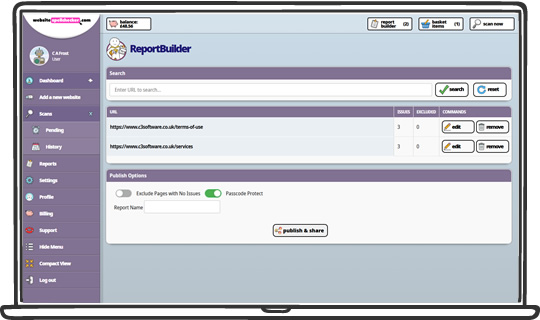
The report is then broken up into the following sections.
- Errors in view
- Errors not in view
- Errors in the metadata
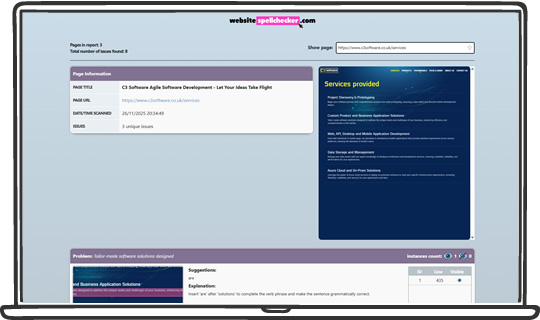
The errors currently in view are presented first. The system then recursively displays all spelling mistakes found on the webpage, along with a screenshot showing where each error was detected.
Each screenshot will contain the incorrect word in pink in the top left corner. The middle section displays the suggestions to correct it.
Sometimes multiple words can be highlighted in the screenshot and not all those words appear on the report individually. There is a chance we omitted the word to ensure your report is only highlighting relevant mistakes.
The Errors Not in View section shows where a spelling mistake occurs, but a screenshot could not be captured.
As with the screenshots, each excerpt will contain the incorrect word in pink in the top left corner. The middle section shows the suggestions to correct the spelling mistake.
The line number is also given to assist in locating the mistake. (Note: The line number may be different if the web page is dynamically generated).
The metadata of the web page is also included, we scan and review the title, description and keyword. If a mistake is detected then the word is shown in pink under the meta tag name, the value of the tag is shown on the right-hand side of the table and the suggestions are listed underneath.
If no spelling mistakes were detected, the section will still be included in the report, and we will explicitly confirm that no errors were found, along with a screenshot where one could be captured.